Travel printing guides
These guides cover the practical side of printing and scanning while you travel for work or study. We focus on setup, packing, power and day to day care so your A4 device stays useful on the road.
What this guides section covers
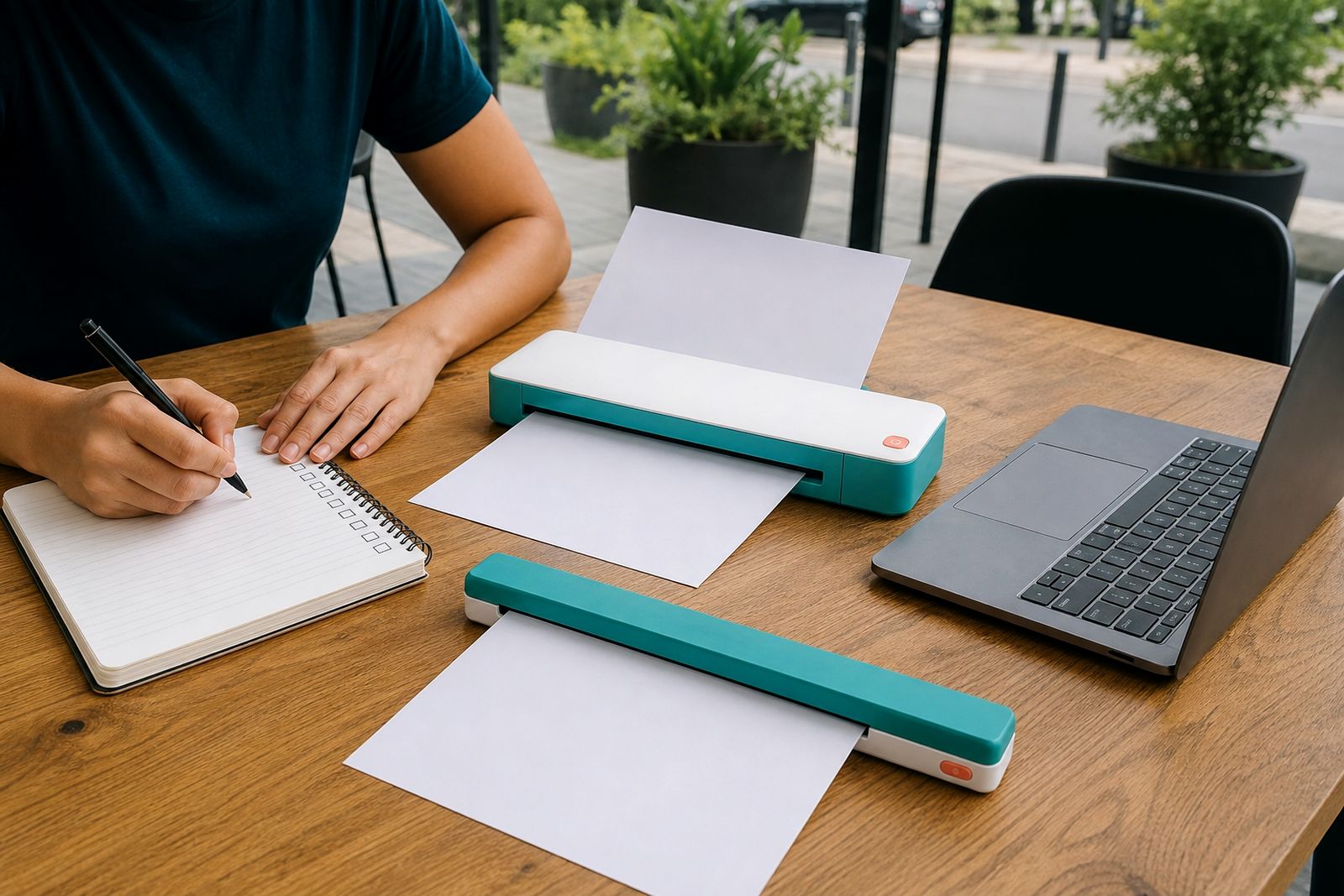
Travel printing is different from normal office printing. A mobile worker needs light equipment, simple setup and a way to keep printing when working from a car, client site, campus residence or short stay accommodation. This section explains how compact A4 travel printers and sheet-fed scanners fit into real working routines, and what to check before you buy.
From our base in Rosebank, Johannesburg, we help customers compare portable printers, battery models, wireless connection options and scanner types. We also help with paper packs, carry sleeves and travel chargers, because the small extras often make the biggest difference once you are out on the road.
You will also find guidance for local conditions such as power cuts, municipal visits, estate viewings, building inspections and coastal humidity. A portable unit that works well in Sandton may need different packing habits for Durban or Gqeberha, especially if it is moving between air-conditioned rooms and warm vehicles.
Choose the right portable device for your work
The first choice is whether you mainly need to print, scan or do both with separate devices. Travelling professionals often start with one device and add the second later once they know where the delays are in their workday. If signed paperwork slows you down, a printer may matter most. If collecting records on site takes time, a scanner may save more effort.
- Portable printer: Best for quotations, contracts, delivery notes, checklists and forms that must be handed over on site.
- Sheet-fed scanner: Best for capturing signed pages, ID copies, invoices and supporting documents neatly into digital files.
- Battery model: Useful where plug points are limited or power cuts affect meetings and site work.
- Mains powered model: Suitable if you mostly work from hotels, branch offices or homes with reliable power.
- Wireless connection: Convenient for printing from a phone or tablet without unpacking extra cables.
- USB connection: Often the simpler choice for stable setup on a laptop, especially when network access is restricted.
If you travel with a laptop every day, USB can be the easiest route. If you work mainly from a phone or tablet during appointments, wireless may suit you better. A lot depends on how much setup time you can spare between stops, and whether your work happens in the car, at a gatehouse, in a boardroom or on a kitchen counter.
Printer versus scanner: a practical comparison
Many customers ask which device gives the quickest return in day to day work. The answer depends on the paperwork you carry and the point where delays happen. Use this simple comparison before you choose.
- Estate agents and inspectors: Usually benefit from a portable printer first, because forms and reports often need to be issued immediately.
- Consultants visiting clients: Often prefer a scanner first if they collect signed approvals, source documents or expense slips.
- Freelancers: A printer helps with contracts and proofs on the move, while a scanner helps keep admin from piling up.
- Students: A scanner is useful for notes and submissions, while a printer helps where access to campus facilities is limited.
- Couriered field paperwork: Printing on site can reduce return trips and missed signatures.
- Record keeping: Scanning on the spot reduces the risk of losing originals before you get back.
If you already know that both jobs matter, pairing a compact printer with a sheet-fed scanner keeps each device smaller and easier to pack. It also means one issue will not stop the other task, which is handy on a busy day.
Setup tips before you leave home or the office
Portable equipment should be set up properly before the first trip. The best time to test connection, charging and paper feed is at your normal workspace, not in a client driveway. We help customers understand the connection steps and what to keep in the carry bag for quicker use later.
- Pair wireless devices before travel and confirm they reconnect without extra prompts.
- Test USB printing or scanning with the actual laptop cable you plan to carry.
- Run at least a few printed pages and a few scans to check feed alignment.
- Charge the battery fully and pack the correct travel charger.
- Keep a small paper pack in its wrapper or sleeve so edges stay clean and flat.
- Store one quick reference note in the bag for connection steps if more than one person uses the device.
It sounds basic, but a single forgotten cable or a bent paper pack can waste a meeting. Do one full practice run before your first trip, then again if you change phones, laptops or vehicles.
Packing for travel, cars and site visits
Portable printers and scanners handle movement well if packed with a bit of care. The aim is to protect the paper path, keep dust out and stop the unit sliding around in the boot or back seat. A proper carry sleeve helps, especially if the device is moving between meetings all day.
Keep paper separate from food, liquids and loose tools. In summer heat, do not leave the unit in a parked car longer than needed. In coastal areas, moisture can affect paper feed and print quality, so sealed paper packs matter more than people expect. If you work around building sites or warehouses, wipe the outer surfaces regularly because fine dust gets everywhere quick.
For air travel or long road trips, pack chargers and cables in the same pouch every time. This small habit saves rummaging at check-in counters, reception areas and coffee shops where space is limited.
Care, power and everyday reliability
Good travel habits usually matter more than technical know how. Charge devices before a long route, top up when power is available and avoid running the battery flat repeatedly if you can help it. During power cuts, many mobile workers plan printing for the vehicle or meeting venue, then use scanning later where charging is easier.
Paper care is just as important. Keep A4 sheets flat, dry and free from curled corners. A portable device has a smaller feed path than a full office machine, so damaged sheets cause trouble faster. If output starts looking poor, check the paper first before assuming there is a fault.
We do not supply office laser printers or copiers, and we do not repair other brands. Our role is to help you choose the right compact A4 travel printer or scanner, match it with the right supplies and get the connection side sorted before you head out nationwide.
Explore the range
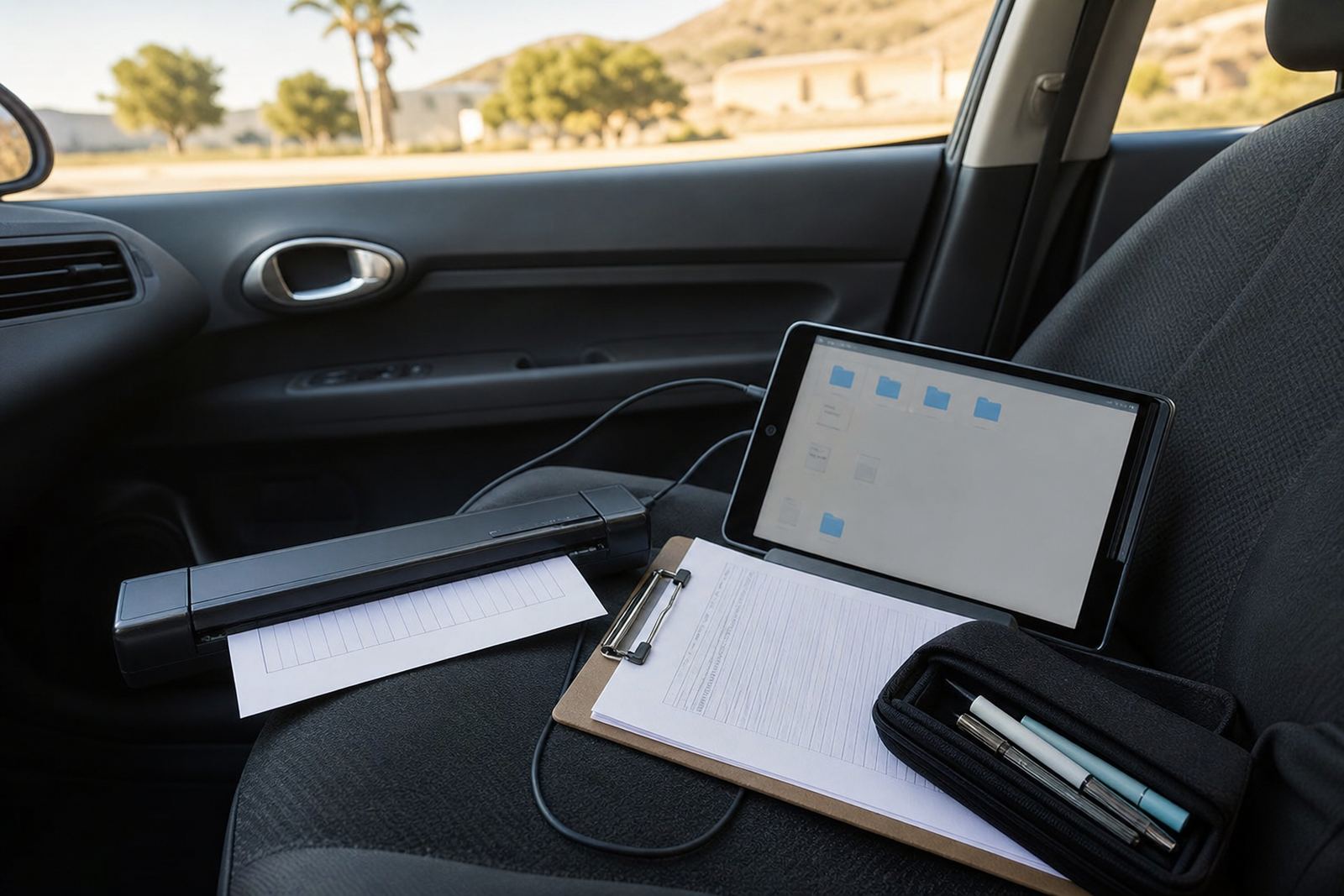
Scanning signed forms on site
Scan signed paperwork on the spot and send it back fast.
Read more
Choosing a travel printer
A practical guide to choosing a compact A4 printer for travel, site visits and mobile admin.
Read more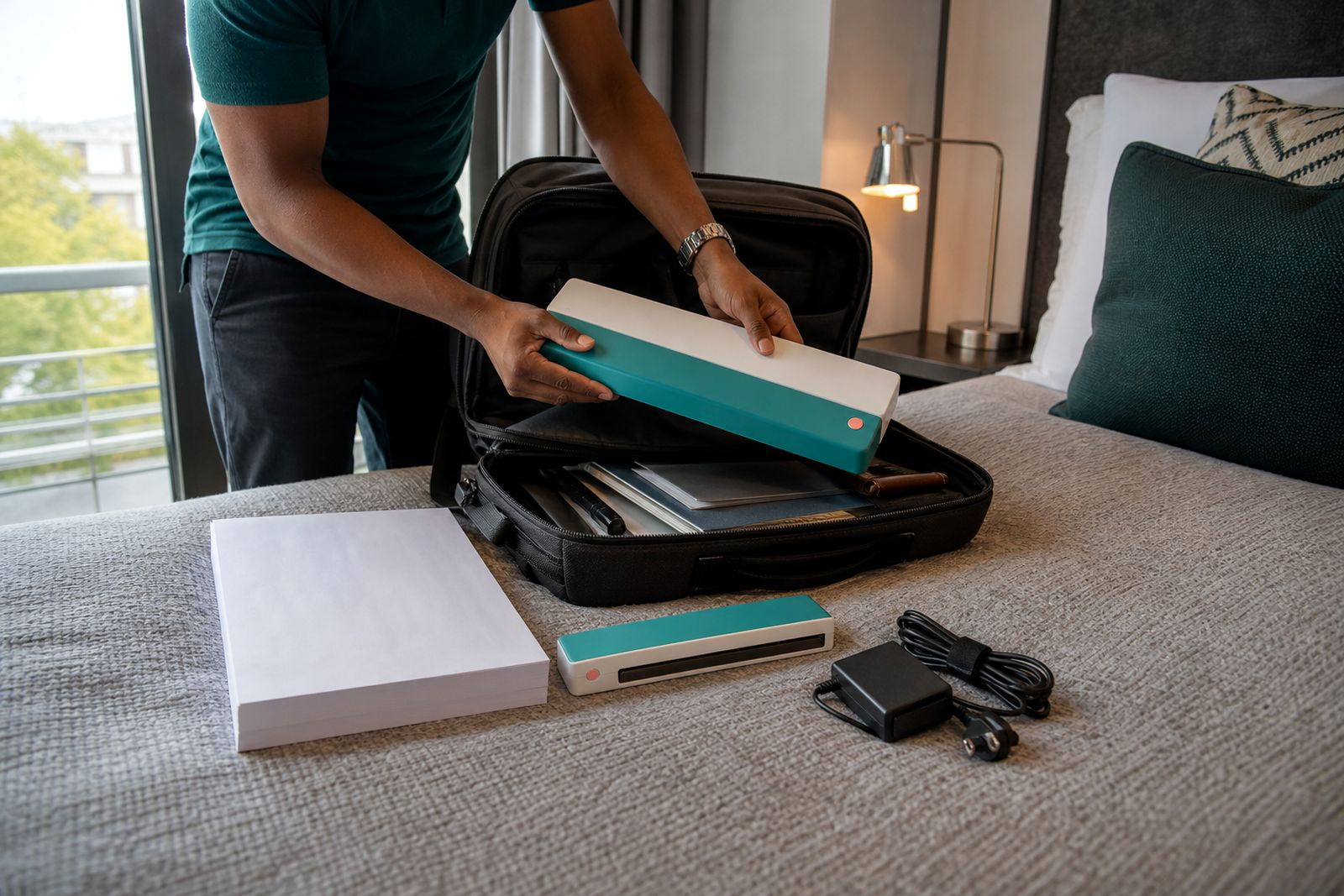
Packing and power tips
Simple packing and power checks that help mobile workers avoid printing problems while travelling.
Read moreWhat our A4 Portable Printers customers say
Verified Google reviews
Questions we get asked
Should I choose a battery model or a mains model?
Choose a battery model if you work in cars, on site or during power cuts. A mains model can be fine if you mostly print or scan in places with reliable plug points.
Is wireless always better than USB for travel printing?
Not always. Wireless is convenient for phones and tablets, while USB is often simpler and more stable on a laptop. The better option depends on how and where you work.
Can you help me decide between a portable printer and a scanner?
Yes. We help customers compare their paperwork, travel routine and power needs so they can choose the most useful device and the right accessories.
Tell us about the job
Send sizes, materials and where you are through our contact form, and we will come back with the practical options.
Open the contact form