Choosing a travel printer
A travel printer needs to fit your bag, your power setup and the kind of paperwork you handle on the road. This guide helps mobile workers in South Africa compare size, battery use and connection options before sending an enquiry.
Start with the documents you print
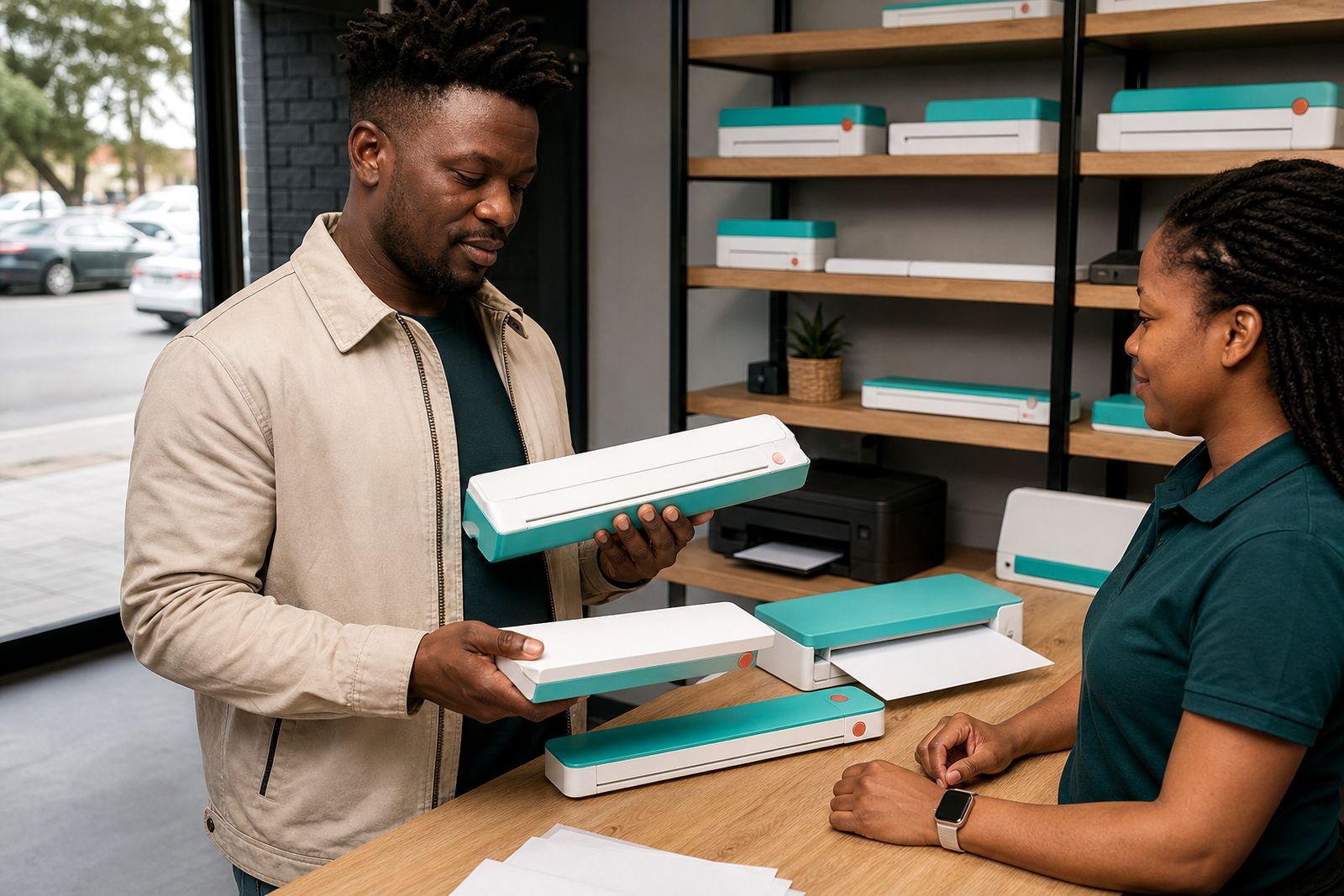
The first step is simple: look at what you actually need to print while travelling. Many people start by focusing on the smallest machine, then realise later that their paperwork needs a different feed style, better battery support or easier phone pairing. A travel printer is meant for short runs of A4 pages away from the office, not bulk printing for a branch, school or shared admin room.
If you mainly print contracts, invoices, delivery notes, inspection forms or signed letters, a compact A4 unit usually makes sense. Estate agents often need clean black text for mandates and offers. Inspectors may need site checklists and compliance forms. Freelancers and students often want occasional printouts for submissions, quotations or marked-up drafts. Think about where you work too: in a car between appointments, in a coffee shop in Rosebank, at a client site in Midrand, or in a guesthouse during a trip to Durban or Gqeberha.
- Do you print mostly text documents, or pages with simple colour charts and logos?
- How many pages do you print in one sitting: one or two, or ten to twenty?
- Are you printing only A4, or do you also need smaller slips and notes?
- Will the printer travel daily in a laptop bag, or only on selected trips?
Check the size, weight and packing space
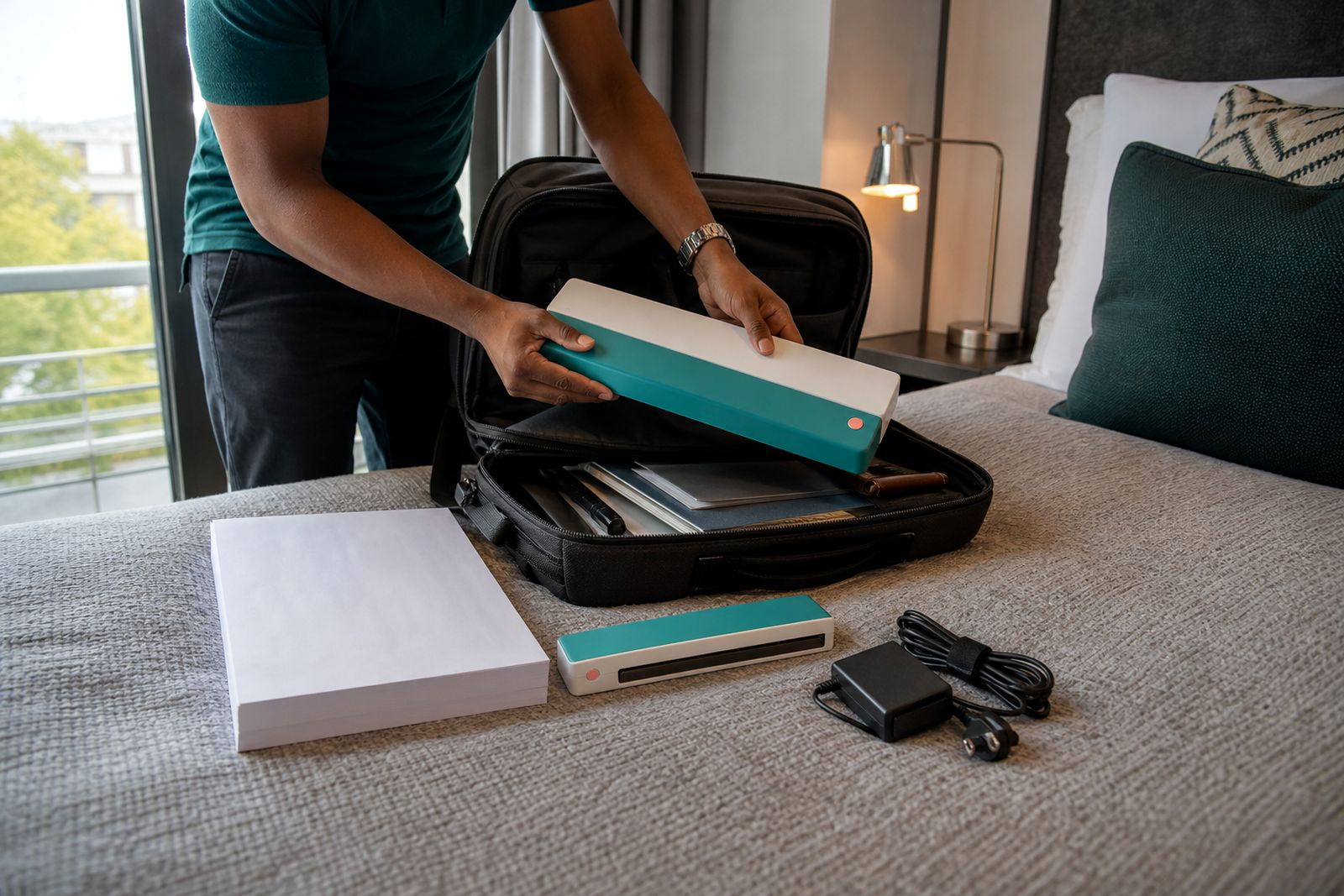
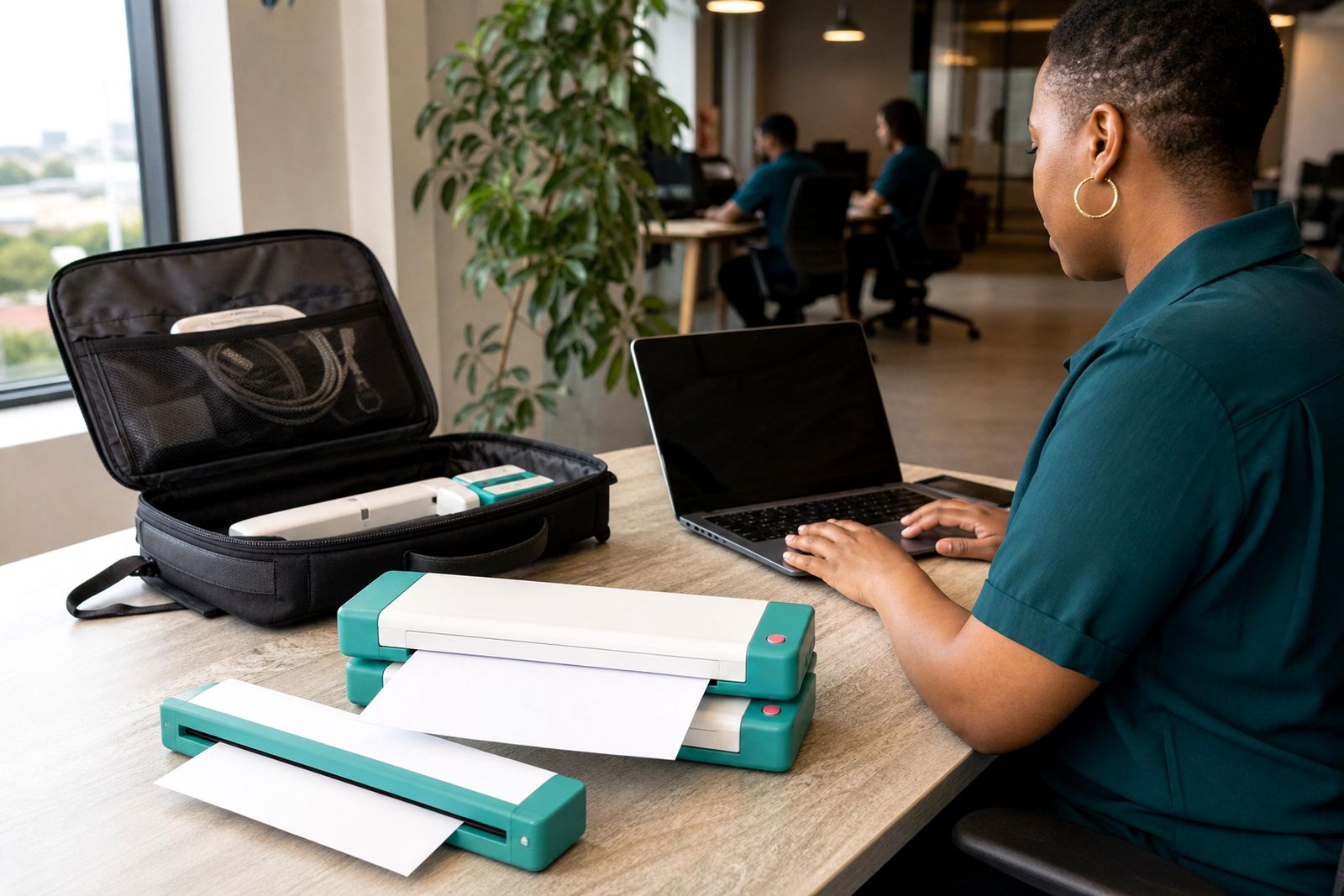
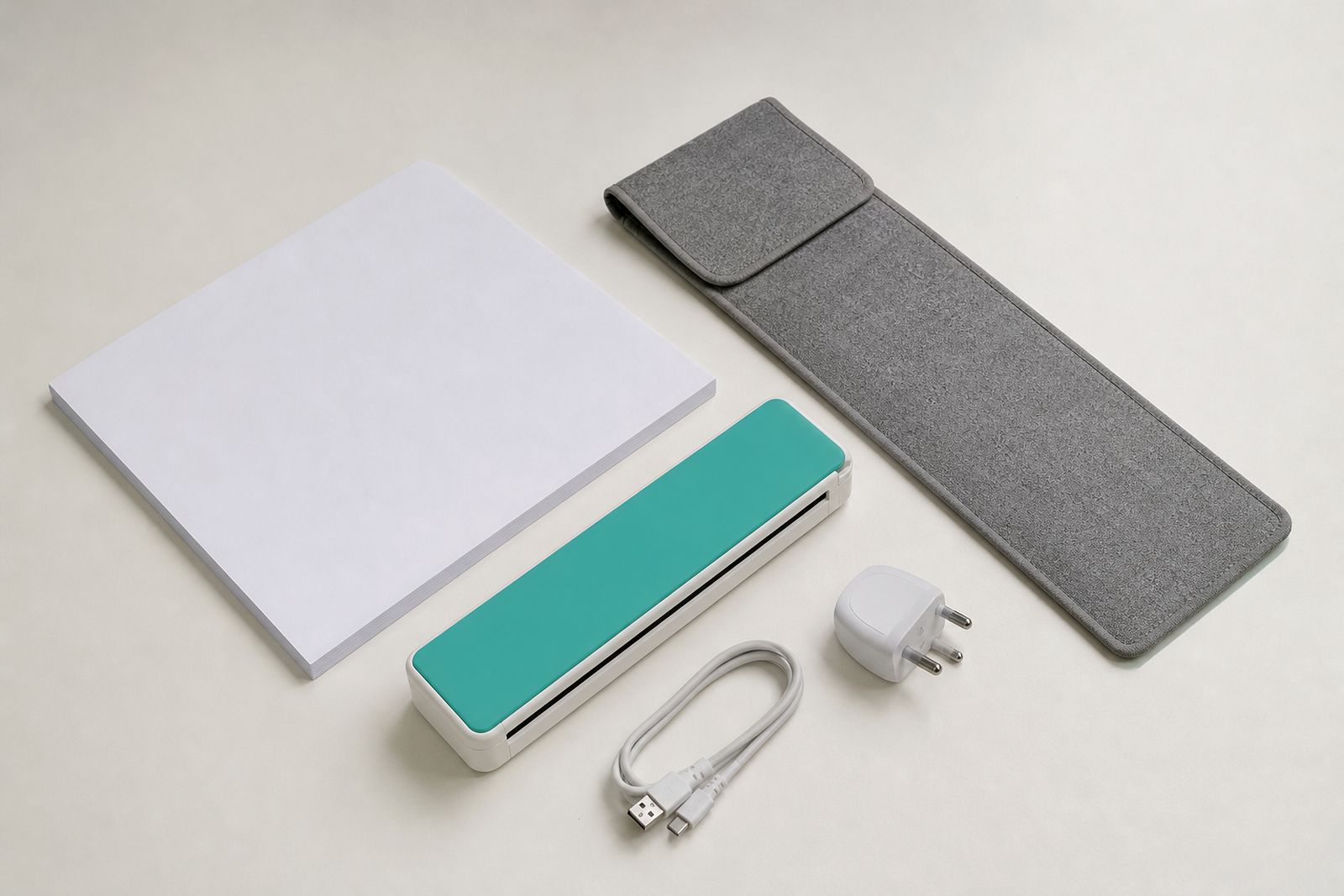
Portable means more than just "small". The printer must fit your normal travel routine without becoming another awkward item to carry. Measure the space in your backpack, briefcase or roller bag before choosing. Also leave room for paper packs, a charger, connection cable and any carry sleeve. A model that looks compact on paper can still feel bulky once everything is packed together.
Weight matters when you move through airports, office parks and building sites all day. A lighter machine is usually easier to live with, but very small units may use tighter paper paths or smaller batteries. There is always a trade-off. If you travel in Gauteng traffic, work from your vehicle, and carry your equipment into client premises, every extra kilogram counts. If you mostly move between home and one satellite office, you may accept a slightly larger unit for easier paper loading.
For people working along the coast, a protective sleeve is worth considering. Coastal humidity and wind-blown grit can affect paper condition and connectors if equipment is left in a car boot or carried around regularly.
Choose your power setup carefully
Power is often the deciding factor for South African users. If power cuts, municipal outages or site work form part of your week, a battery A4 printer can be far more practical than a mains-only unit. On the other hand, if you mostly print in hotels, boardrooms or home offices with reliable plugs nearby, a mains-powered model may be enough.
Battery printing helps when you need to issue paperwork immediately, such as signing documents in a parking area, printing an updated quote on site or producing forms during an inspection. Just remember that battery use depends on print coverage, page count between charges and whether wireless functions are active. It is wise to think in terms of your typical workday rather than best-case figures.
- Do you often work in places where plug points are limited or already in use?
- Will you print during power cuts or while travelling between appointments?
- Can you keep a travel charger in the vehicle or laptop bag?
- Would a mains model still work if your printing is planned rather than urgent?
If you are unsure, send us your use case through the enquiry form and we can help narrow it down a bit.
Match the connection method to your devices
Connection problems cause more frustration than print quality on most travel setups. Before choosing a printer, list the devices you will actually use: laptop, tablet, or smartphone. Then check how you prefer to work. Some users want direct USB because it is simple and stable. Others need wireless printing from a phone while sitting with a client. Neither option is automatically better, it depends on your routine.
USB can be a good fit for consultants, students and field staff who carry one main laptop and want fewer pairing steps. Wireless suits people who switch devices often or share the printer between a phone and notebook. If you are not comfortable troubleshooting settings while on the road, keep the setup as straightforward as possible. A simple cable connection can save time when signal conditions are poor or you are in a basement parking area with too much interference.
- Use USB if you want a direct connection with fewer variables.
- Use wireless if you need flexibility across more than one device.
- Ask about setup help if you are unsure how your phone or laptop will connect.
- Test your preferred device first instead of assuming every device will behave the same.
Think about paper handling and output quality
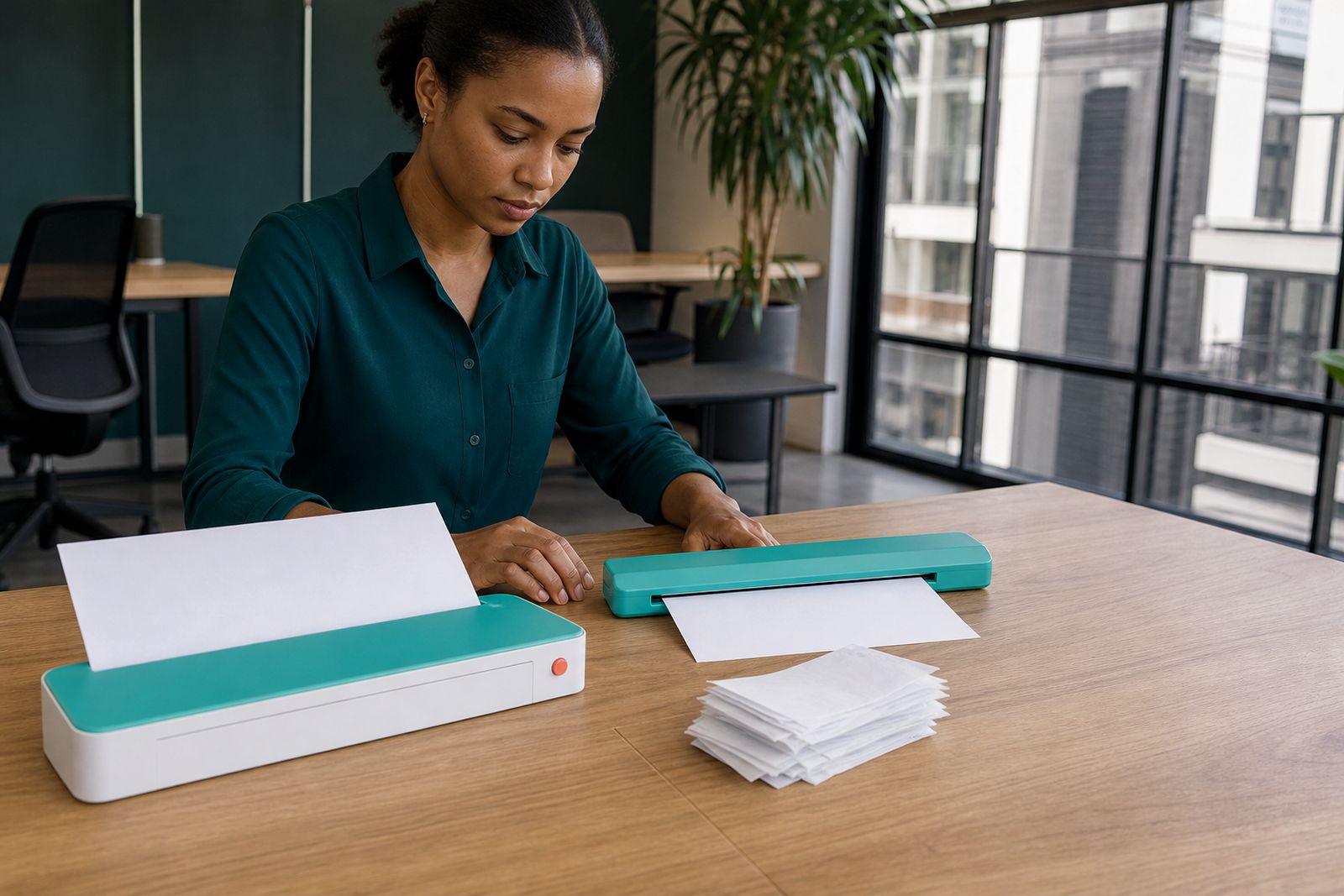
Most travel printers are built for practical A4 work, not for replacing a full office machine. That means paper handling deserves attention. Look at how sheets are loaded, whether the feed path is easy to access in a small space, and how often you expect to reload paper during a normal day. If you print one page at a time, almost any compact unit may suit you. If you print sets of forms at multiple stops, convenience becomes more important.
Paper condition also affects results. Keep sheets flat and dry, especially in humid weather or after leaving supplies in a vehicle overnight. Crumpled or damp paper is more likely to misfeed. For people travelling between Johannesburg and coastal towns, a sealed paper pack is often the sensible option.
Output quality should be judged by the job at hand. For contracts and admin documents, clear text and legible lines matter most. If you regularly print colour diagrams or branded handouts, mention that in your enquiry. a small travel printer can still produce neat pages, but expectations should match the category.
Use a simple shortlist before you enquire
Once you have worked through size, power and connections, make a shortlist based on your real working conditions. That saves time and helps us point you to the right category, whether you need a battery A4 printer, a wireless A4 printer, or matching travel supplies. If your workflow includes scanning signed pages back to clients, also look at a portable sheet-fed scanner so your travel kit works together.
Use this final checklist before contacting us:
- Your main use: contracts, quotes, forms, assignments or reports.
- Your travel pattern: daily local appointments, campus use, or out-of-town trips.
- Your preferred power: battery, mains, or both options available.
- Your preferred connection: USB, wireless, or a mix depending on device.
- Your storage needs: carry sleeve, travel charger and spare paper packs.
- Whether you also need a portable scanner for signed or marked-up pages.
We supply compact A4 travel printers and portable scanners from Rosebank, with nationwide courier options. If you want help choosing between printer types, send your requirements through the contact page enquiry form and we will guide you toward a practical setup.
What our A4 Portable Printers customers say
Verified Google reviews
Questions we get asked
Is a battery travel printer better for power cuts?
Usually yes, if you need to print away from plugs or during outages. A mains model can still suit you if your printing is planned and you normally work where power is available.
Should I choose USB or wireless for travel printing?
Choose USB if you want a straightforward connection with one main device. Choose wireless if you need to print from a phone or switch between devices more often.
Can a travel printer replace an office printer?
Not for high-volume use. A compact A4 travel printer is best for mobile paperwork, short print runs and urgent documents while you are away from your usual workspace.
Also worth a look
Tell us about the job
Send sizes, materials and where you are through our contact form, and we will come back with the practical options.
Open the contact form