Scanning signed forms on site
Late November is when paperwork starts piling up fast, with delivery notes, signed forms and handover slips coming in from every direction. If your team is still waiting to get back to the office before scanning, files get lost, inboxes fill up and jobs take longer to close.
Scan while signatures are still fresh
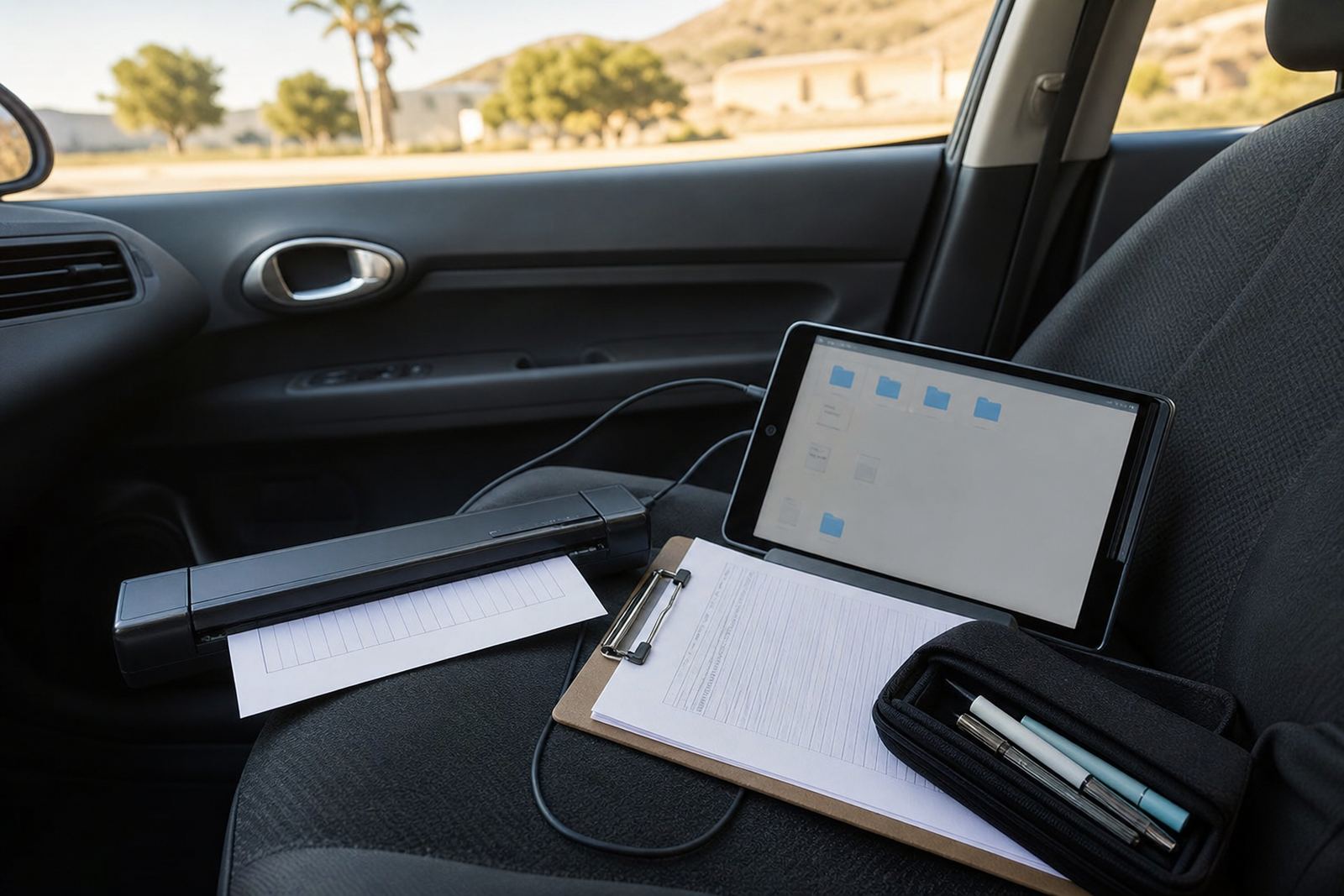
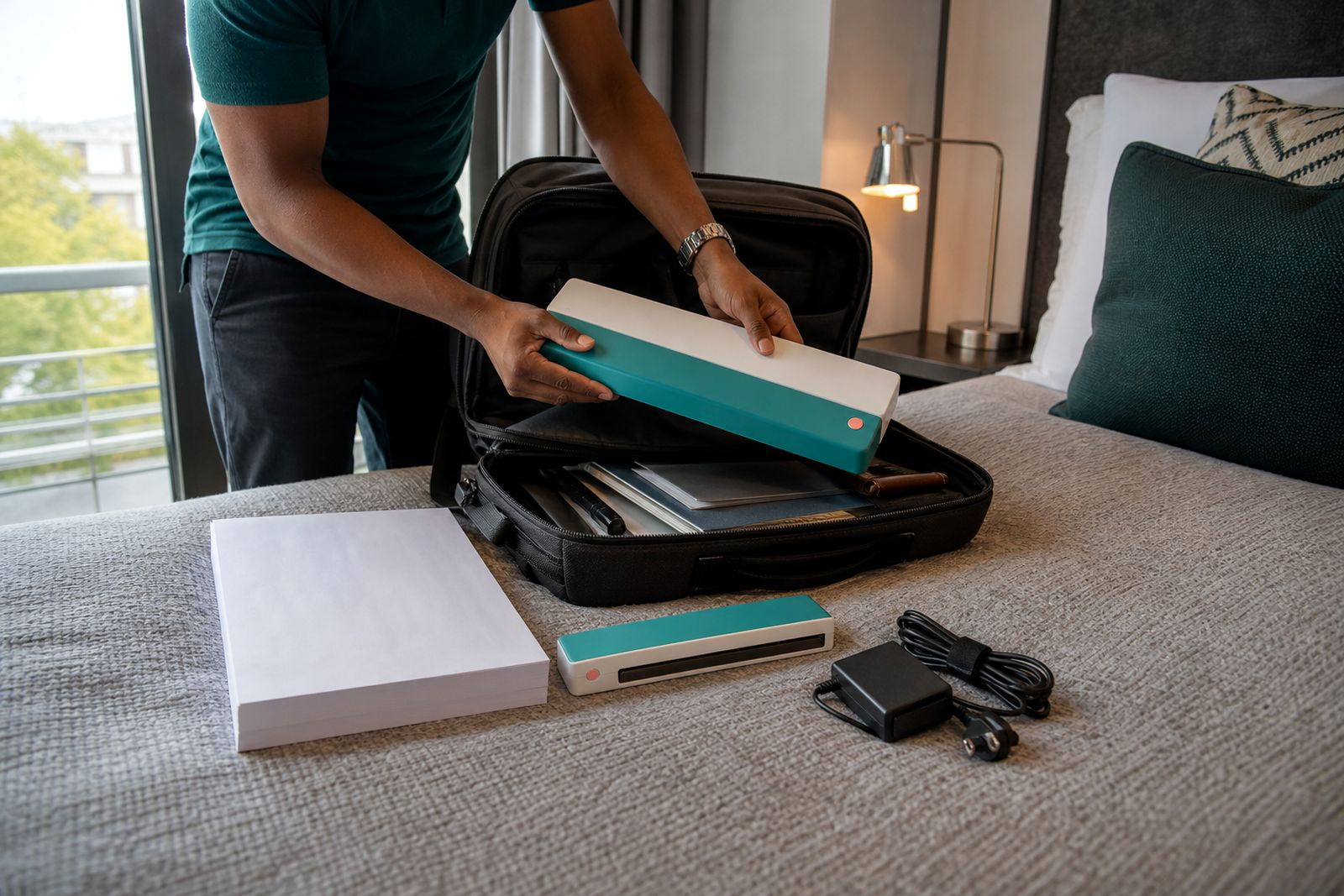
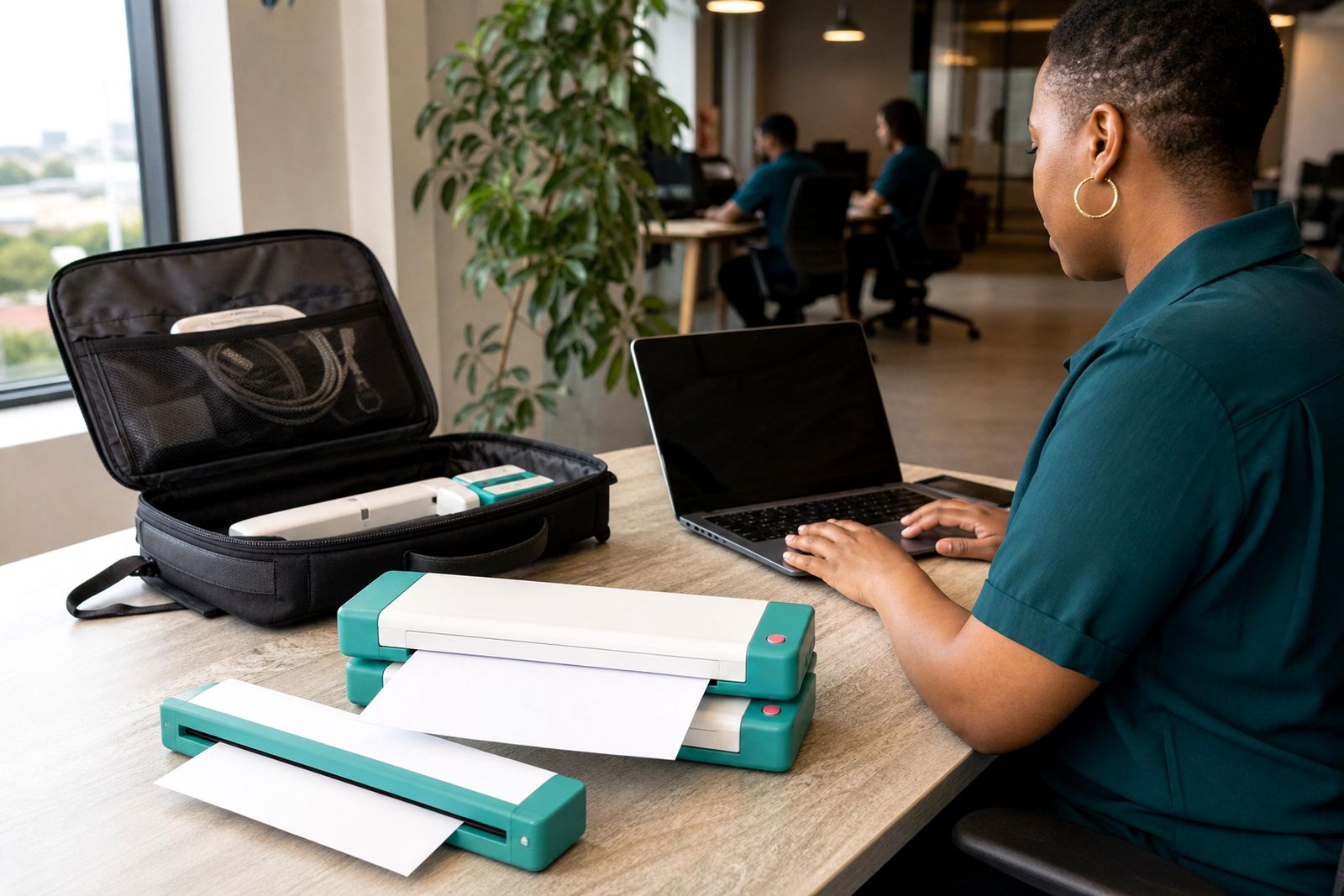
When a client signs a form, delivery note or job sheet, scan it straight away if you can. A portable A4 scanner lets us capture the page on site, in the car, or from a hotel room before the paper gets folded, mixed up or left on a dashboard.
That matters at year end, when teams are moving between sites, wrapping up loose ends and trying to keep records clean before the December slowdown.
Keep the file name simple
Good scanning is only half the job. The other half is naming the file so the office can find it later without guessing.
- Use the date first, then the client or site name.
- Add the document type, such as signed delivery note or service form.
- If needed, finish with a short reference number or route name.
A clear name like that helps the office match the scan to the right job, invoice or handover record in seconds.
Build a quick send routine
Once the scan is done, send it immediately to the right person or shared folder. Keep the process the same every time, whether you use email, a shared drive or a job folder system. The less you think about the steps, the less likely a signed paper will sit in a bag until next week.
We see the best results when mobile workers scan, rename and send in one short sequence before driving to the next stop.
Use the car as a clean stopover point
The car is often the best place to sort paperwork between visits. Park safely, flatten the page, scan it, and check that the image is clear, straight and complete. If the client has given you multiple pages, scan them in order so the office does not have to piece the record back together later.
For estate agents, inspectors, contractors and delivery teams, that small habit saves a lot of admin when the day is busy.
What to keep with the scanner
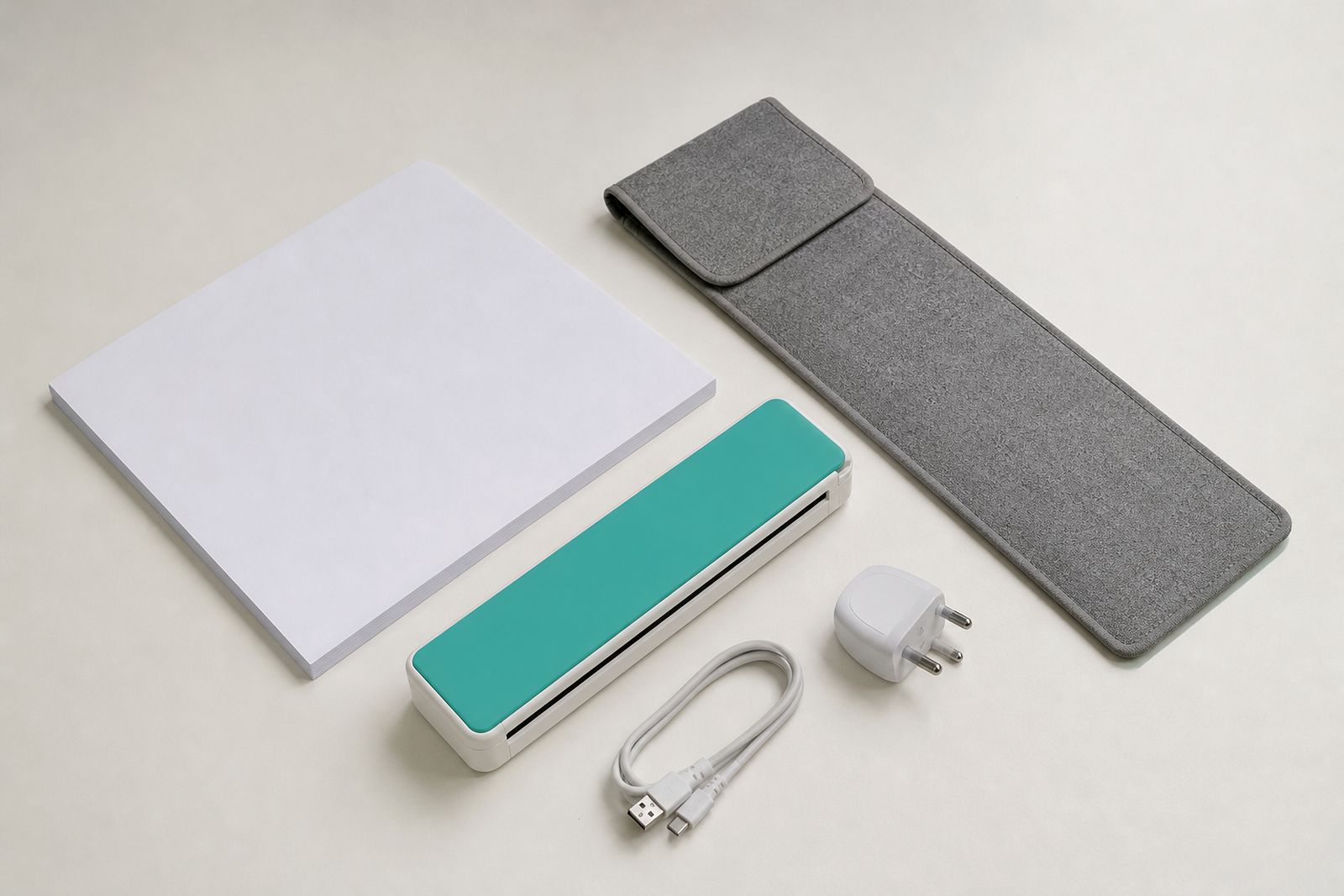
A portable scanner works best when the rest of the kit is ready too. Keep paper sleeves, a charging cable, spare paper and a clean cloth together so the scanner stays ready for the next site.
Going into December, and then back into January, that little bit of order helps us keep paperwork moving even when the schedule is messy.
What our A4 Portable Printers customers say
Verified Google reviews
Questions we get asked
Can I scan signed forms before I leave the client site?
Yes. That is often the best time to do it, because the document is complete and the details are still fresh. It also reduces the chance of losing pages in transit.
What is the best file name for scanned delivery notes?
Use a simple format with the date, client or site name, and document type. Keep it consistent so the office can sort and search files easily.
Do portable scanners work well from a car?
Yes, as long as you park safely and have enough light and battery power. A compact scanner is ideal for quick stops between client visits and for sending records back the same day.
Also worth a look
Tell us about the job
Send sizes, materials and where you are through our contact form, and we will come back with the practical options.
Open the contact form