Wireless A4 printers
Wireless A4 printers let you print contracts, forms, reports and delivery documents from a phone, tablet or laptop without carrying a cable everywhere. For mobile work around Rosebank and across South Africa, they are a practical choice when you need clean A4 output in a small bag-friendly machine.
What a wireless A4 printer is
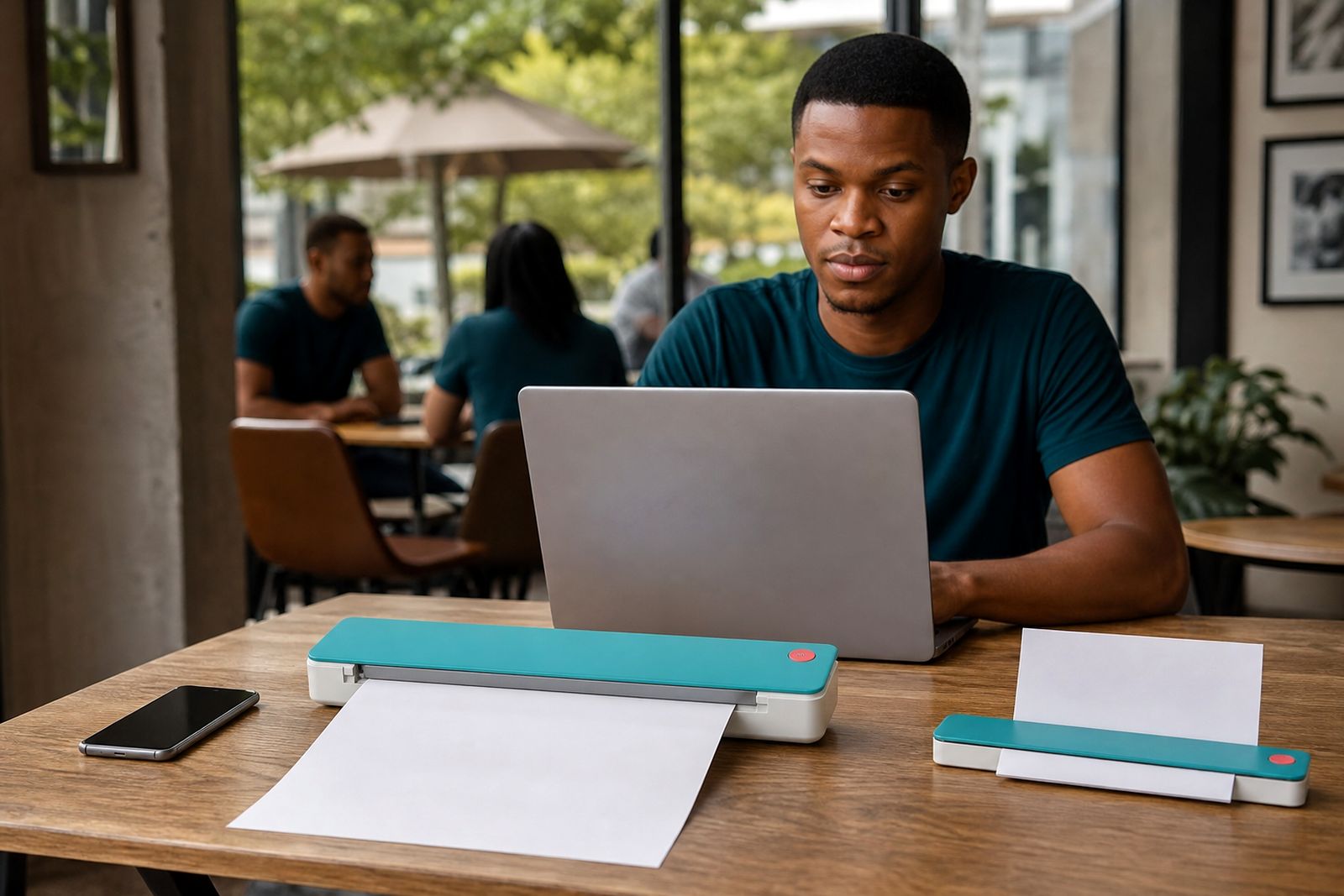
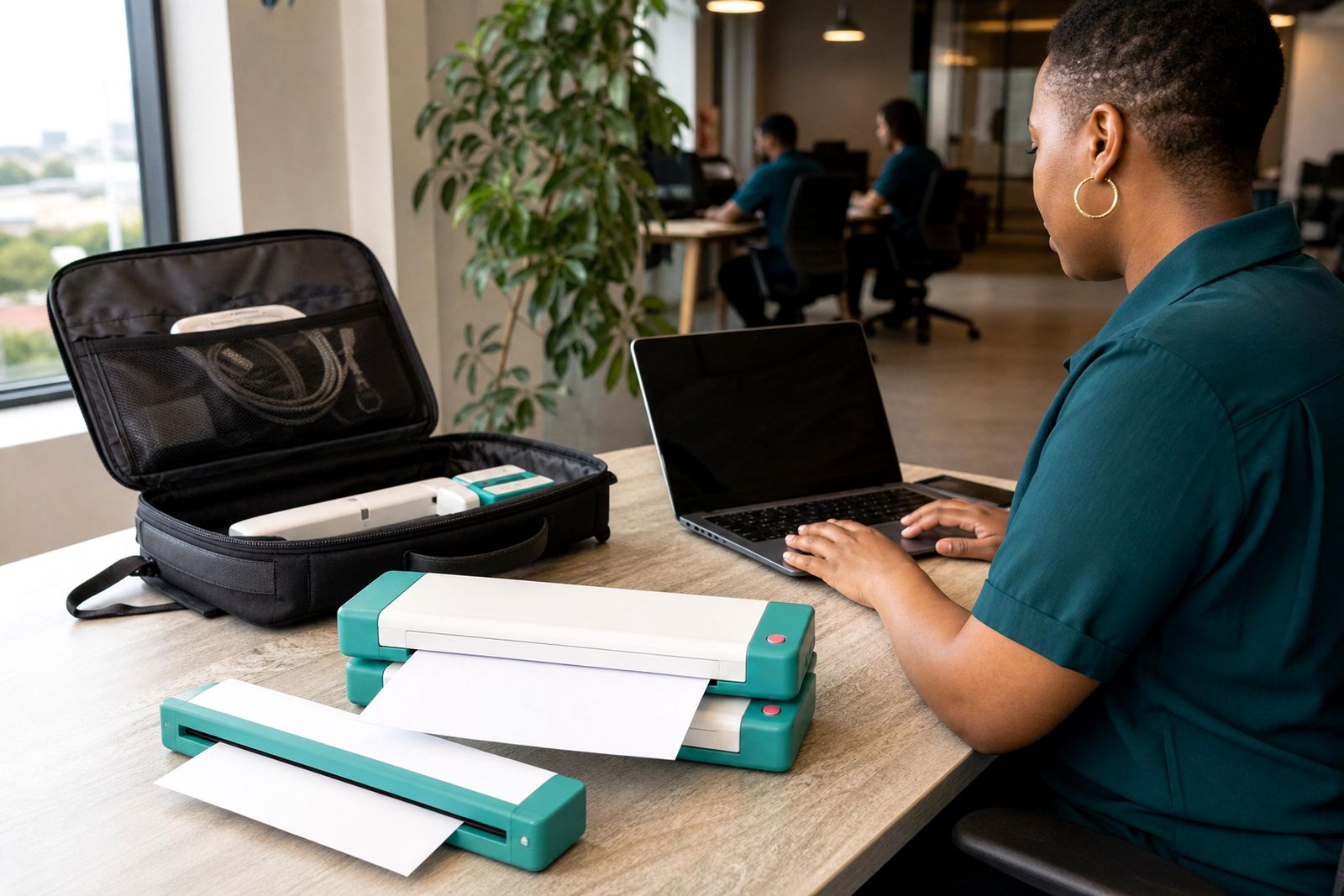
A wireless A4 printer is a compact travel printer that connects to your device without a fixed USB cable for normal day to day use. Most units still include a USB option for first setup or backup, but the main benefit is being able to print from a phone, tablet or laptop while working in a car, at a client office, in a boardroom, at a property viewing or on site.
These printers are made for mobile paperwork, not for high-volume office printing. They are smaller than a standard office printer, usually feed single sheets or a small paper pack, and are built to travel. That makes them useful for consultants, estate agents, inspectors, assessors, field supervisors and students who need A4 documents on demand.
- Wireless connection for phones, tablets and laptops
- Compact A4 format for contracts, invoices, checklists and reports
- Available in battery models and mains powered models
- Suitable for travel bags, vehicle use and temporary work areas
Sizes, options and working limits
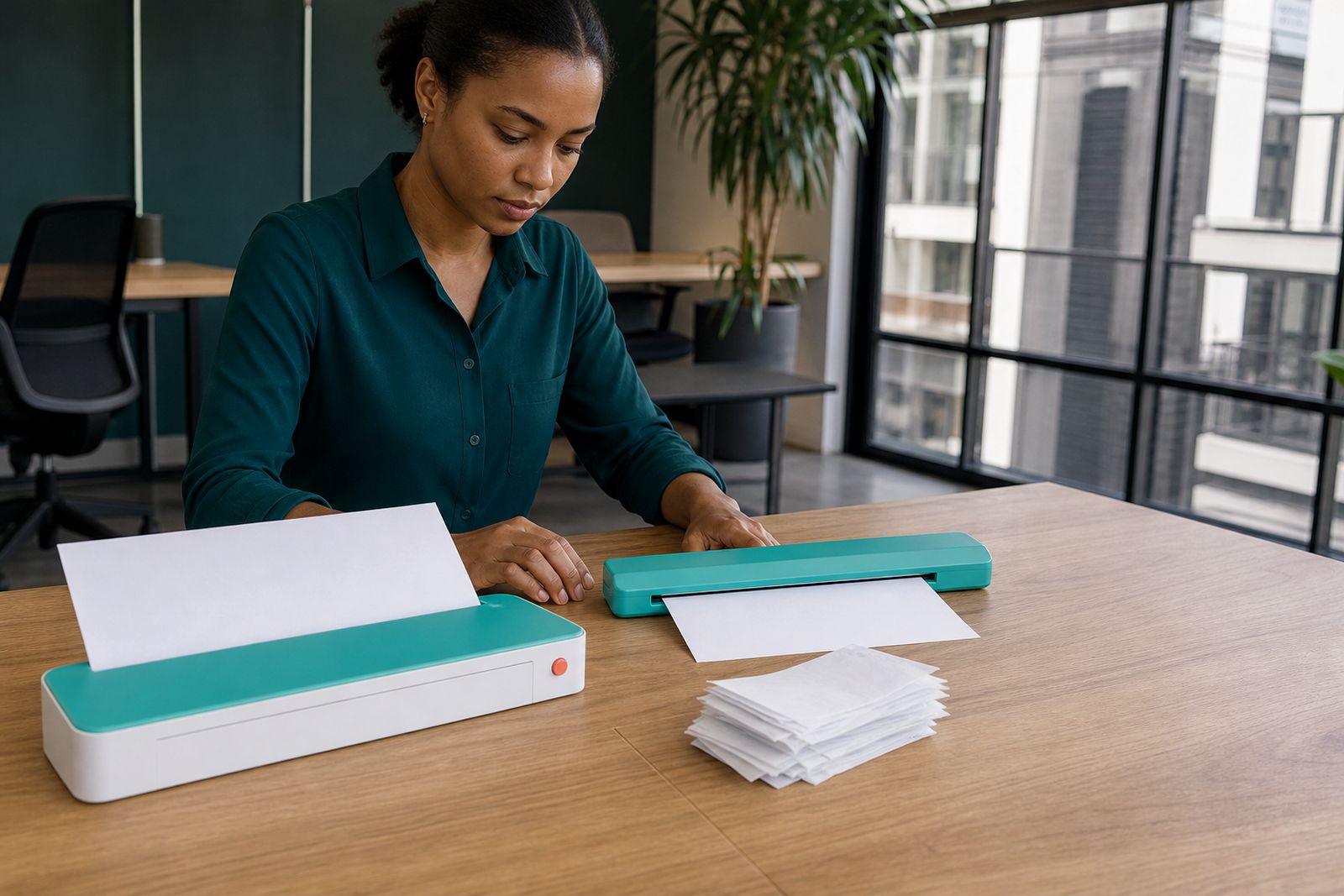
Wireless A4 travel printers are designed around portability first. That means the print width is A4, but the body stays narrow and light enough to carry. Some models are better for occasional printing during meetings and site visits, while others suit users who print steadily through the week from home, shared offices and on the road.
Battery models are convenient where power points are not reliable, especially during power cuts or while working between appointments. Mains models can be a better fit if you print often from one base location and only move the unit now and then. Wireless range is generally fine across a room or vehicle workspace, but thick walls, busy public networks and low battery levels can affect performance a bit.
- A4 output only, intended for standard document sizes
- Portable paper handling rather than large office trays
- Battery units for field use and power interruptions
- Mains units for regular use from a home office or branch office
- Wireless convenience, with USB fallback on many units
Where they do not suit is bulk printing. If you need long print runs, frequent colour graphics, large paper trays or copier functions, a portable wireless A4 printer will feel slow and limited. It is also not the right choice for printing full sets of plans, labels in industrial volumes or daily office handouts for a whole team.
Where wireless printing works best
Wireless A4 printers are most useful where documents need to be produced immediately and there is no fixed workstation nearby. An estate agent can print a viewing sheet from a phone in the car before an appointment. An inspector can print a checklist from a tablet at a property or plant room. A travelling consultant can issue a signed meeting record before leaving site. Students and freelancers can also use one in residences, shared workspaces and short-term accommodation where a full-size printer is not practical.
In Gauteng, they are handy for people moving between Rosebank, Sandton, Midrand, Randburg and Pretoria in one day. For nationwide travel, a compact unit is easier to pack for Durban, Gqeberha or Cape Town visits, where weather and humidity can vary and power access is not always ideal.
They are less suitable where the environment is dusty, wet or unstable. Construction areas with blowing dust, open bakkie loading, direct coastal spray or a cramped passenger seat with papers sliding around can all create misfeeds and poor print results. A flat, reasonably clean surface makes a big difference.
Connection setup and site needs
Wireless setup is usually straightforward, but it helps to match the printer to the device you actually use every day. Some customers print mainly from a phone, others from a laptop in a vehicle, and others from both. When we help you choose, we look at your main device, how often you travel, whether you work during power cuts and if you need battery operation or are usually close to mains power.
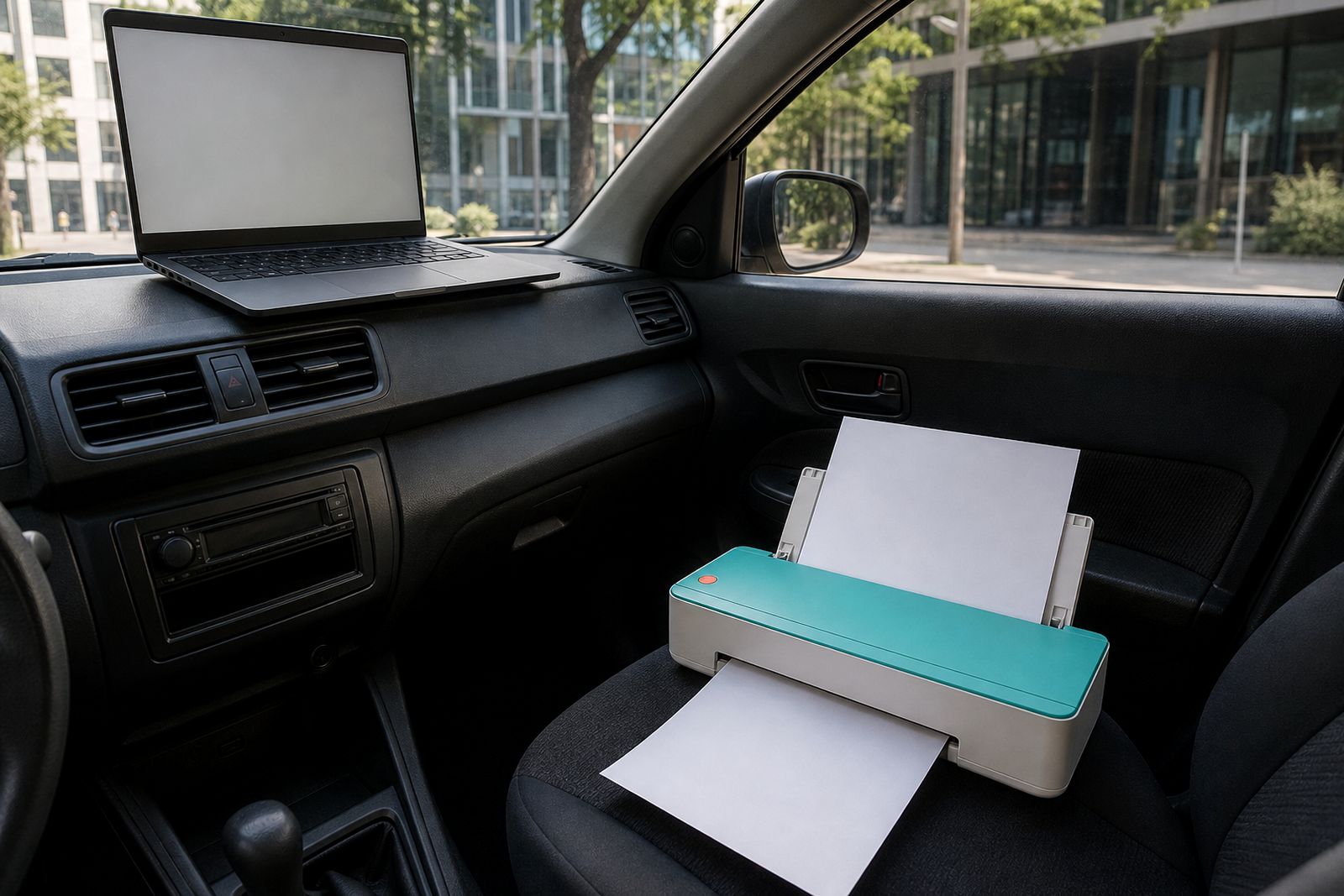
For best results, plan for a simple working area. You need enough space to feed A4 sheets straight, a stable surface, and a charged battery or access to power. If you are printing from a vehicle, it is better to work while parked rather than trying to balance the machine on a seat or centre console, it saves paper and frustration.
- A phone, tablet or laptop with wireless printing support
- A stable surface for straight A4 paper feed
- Charged battery or nearby mains supply depending on model
- Reasonable protection from dust, rain and direct heat
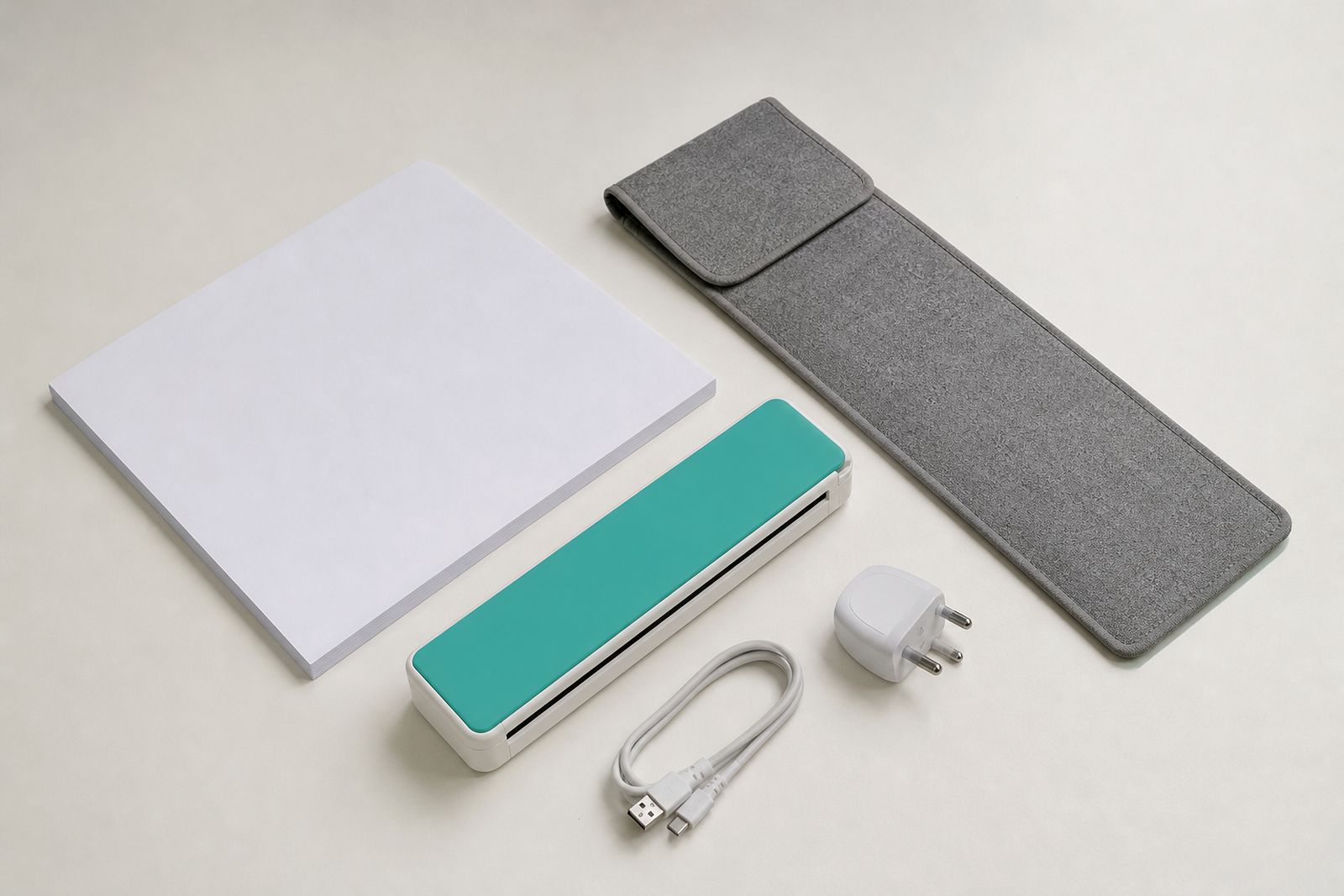
- Space in your bag for paper packs and a charger
Care, packing and everyday use
Portable printers last better when they are packed properly and kept clean. Use a carry sleeve when travelling, keep paper flat and dry, and do not leave the unit loose under other tools or files. In coastal areas, paper can absorb moisture quickly, which may cause curling or feeding issues. In very dry inland conditions, paper dust can build up and affect rollers over time.
Charge the battery before long travel days, and if the unit has been stored for a while, test it before an important meeting. Keep spare paper in a sealed pack and avoid mixing crumpled sheets into the feed path. A few basic habits prevent most travel-printer problems.
- Store the printer in a sleeve rather than loose in a boot or backpack
- Keep paper dry and flat
- Wipe exterior dust off regularly
- Do a quick test print before client visits
- Use the travel charger suited to your setup
What to tell us when you enquire
To recommend the right wireless A4 printer, we need a clear picture of how and where you work. A model that suits a student in a residence is not always the same one that suits an assessor printing forms from a vehicle all week. If you send the basics through the enquiry form on our contact page, we can guide you faster and more accurately.
Please tell us what device you print from, whether you need battery power, how many pages you usually print in a session, and if you travel mostly within Johannesburg or nationwide. Also mention if you need paper packs, a carry sleeve or a travel charger with the printer.
- Your main device: phone, tablet or laptop
- Battery, mains, or both
- Typical documents such as contracts, reports or forms
- How often you print and roughly how many pages at a time
- Whether you work from a car, client office, campus or accommodation
- Any need for scanner pairing, paper packs or accessories
What our A4 Portable Printers customers say
Verified Google reviews
Questions we get asked
Can I print from my phone without a cable?
Yes. Wireless A4 printers are meant for phone, tablet and laptop printing without keeping a cable connected for normal use. We can also help you choose a model with USB backup if that matters to your setup.
Are wireless A4 printers suitable for power cuts?
Battery models are often a good fit during power cuts and for work away from plug points. If you mainly print from one location and only travel sometimes, a mains model may still be the better option.
Do these printers replace an office printer?
Not usually. They are made for mobile A4 documents and convenience, not large daily print volumes, copying or general office use for a whole team.
Also worth a look
Tell us about the job
Send sizes, materials and where you are through our contact form, and we will come back with the practical options.
Open the contact form