Battery A4 printers
Battery A4 printers let you print full A4 pages where there is no plug point nearby. They suit mobile workers who need signed forms, quotes, checklists or reports on site without carrying a full office machine.
What a battery A4 printer is
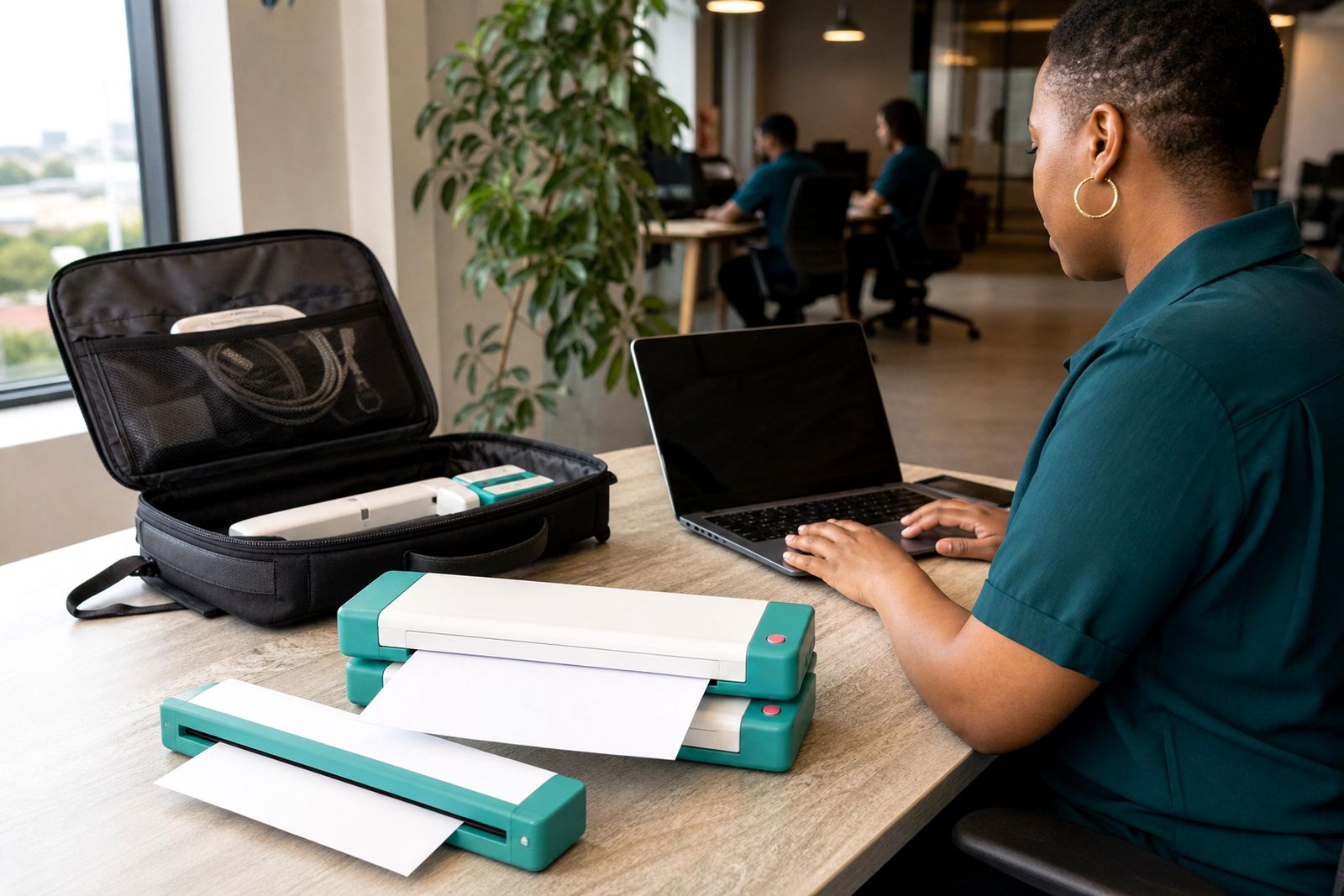
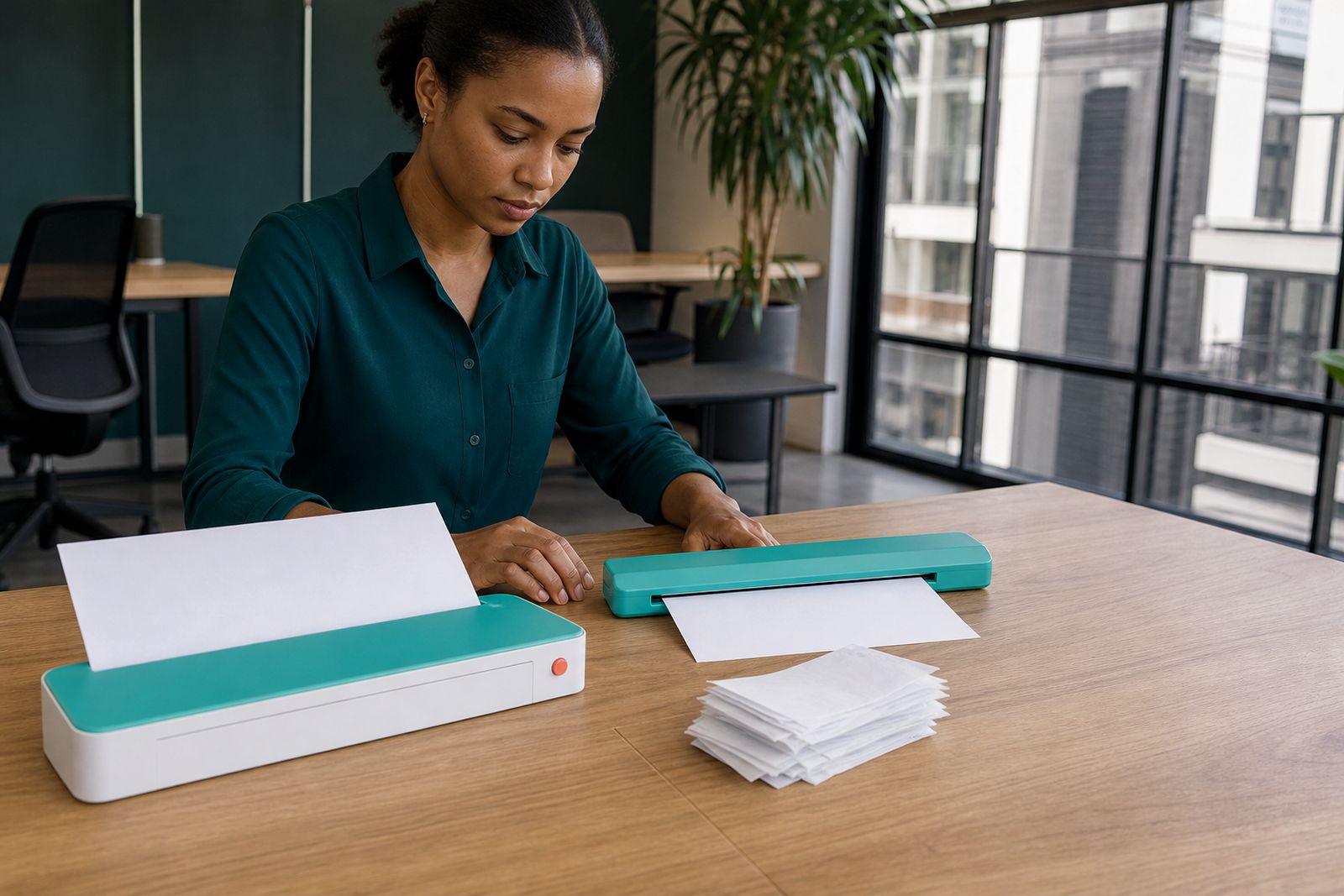
A battery A4 printer is a compact travel printer that can run from its internal battery as well as from mains power when you are back at base. It is made for light, mobile document work rather than high-volume office printing. Most customers looking at this option need a way to print a few clean pages from a vehicle, a client reception area, a property inspection stop or a temporary work table.
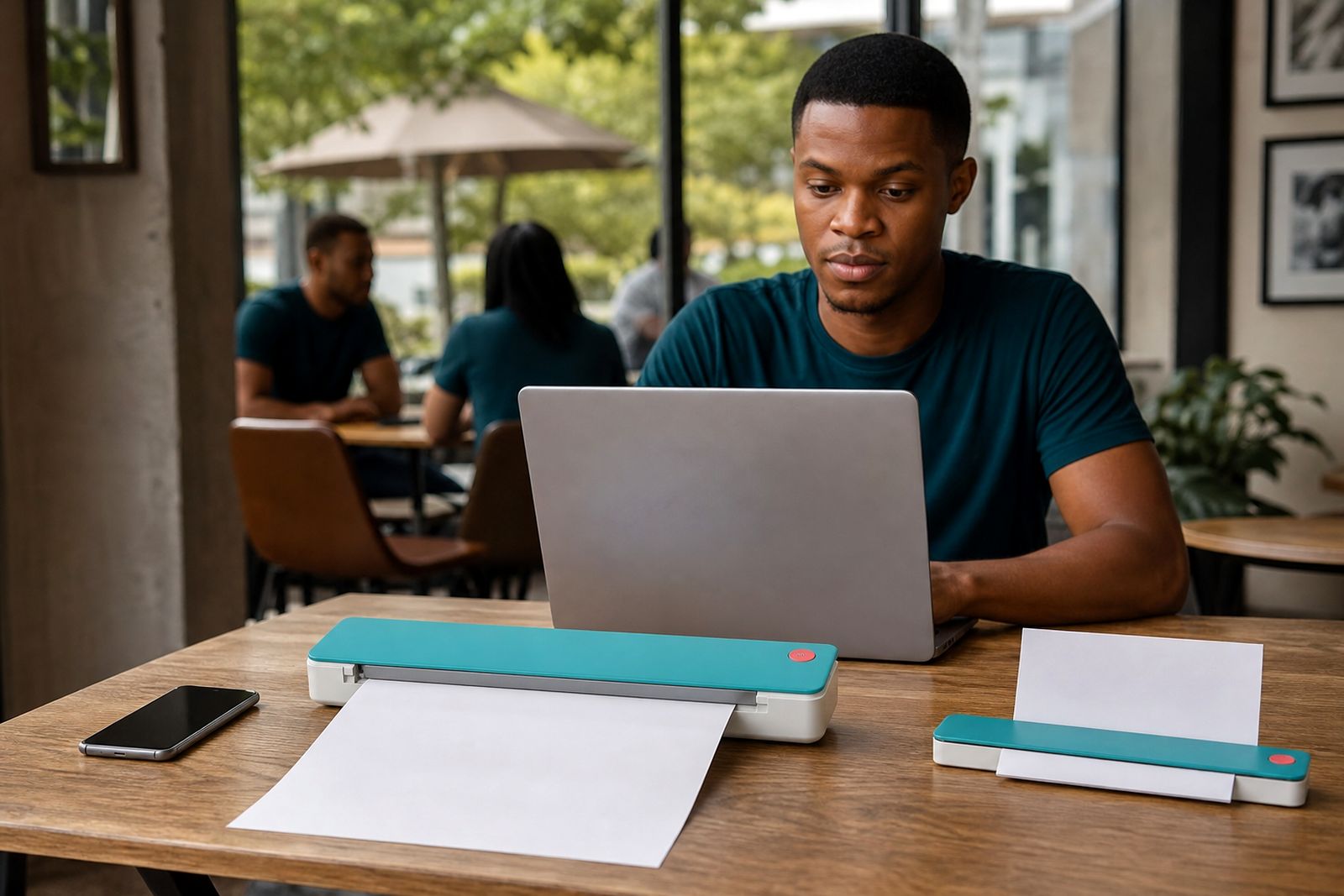
These units are much smaller than standard office printers and are easier to pack with a laptop or tablet. They are popular with consultants, estate agents, field inspectors, travelling admin staff and students who move between campuses, residences and shared workspaces. In Rosebank and across Johannesburg they are often chosen by people dealing with power cuts or venues where power access is limited.
- Compact A4 page size output
- Battery and mains operation
- USB and selected wireless connection options
- Made for occasional to moderate daily printing, not bulk runs
Sizes, options and working limits
The main format on this page is A4. That keeps the printer useful for contracts, invoices, application forms, delivery notes and standard report pages. Battery models vary in weight, battery size, paper path and connection method, so it helps to choose based on how you actually work rather than on one feature only.
Some units are best for a few pages at a time with rests between jobs, while others can handle a longer run before the battery needs charging. Wireless models suit phone and tablet users, while USB models are simpler for customers who always print from a laptop. If you often work in a car, on a reception counter or on a narrow shelf, the footprint and feed direction matter more than many people expect.
- Typical paper size: A4 plain paper, with support for selected smaller sheets depending on model
- Power modes: internal battery, AC adaptor, and on some setups charging between jobs
- Connections: USB direct, wireless direct, or connection through a mobile device setup
- Best job type: short contracts, quotes, checklists, statements and forms
- Not ideal for: long batches, heavy graphics, frequent multi-copy office runs
A battery printer is not a copier and not a replacement for an office laser machine. If you regularly need stacks of pages in one sitting, or if several people must print throughout the day, you will be better served by a fixed office unit. Travel printers are about access and convenience, not mass output.
Where battery printing suits mobile work
These printers are useful when documents must be handed over immediately. Estate agents can print viewing forms or mandates while moving between appointments. Inspectors can issue check sheets or sign-off pages at a site. Freelancers can print proposals, invoices or briefing documents from a shared workspace or client boardroom. Students use them for occasional assignment pages or admin forms where campus printing is not practical.
They also suit regional travel where you may spend hours on the road and only need a few pages each stop. A battery model keeps things moving when the nearest plug point is taken, too far away, or affected by power cuts. In coastal areas, where salt air can be hard on electronics, a carry sleeve and regular cleaning become more important.
What they do not suit is a front office with constant walk-in printing, a legal filing room with daily bulk sets, or a team that expects copier-style speed. If your work needs scanning as well, we can also help you match the printer with a portable sheet-fed scanner so your setup stays compact.
Setup and site requirements
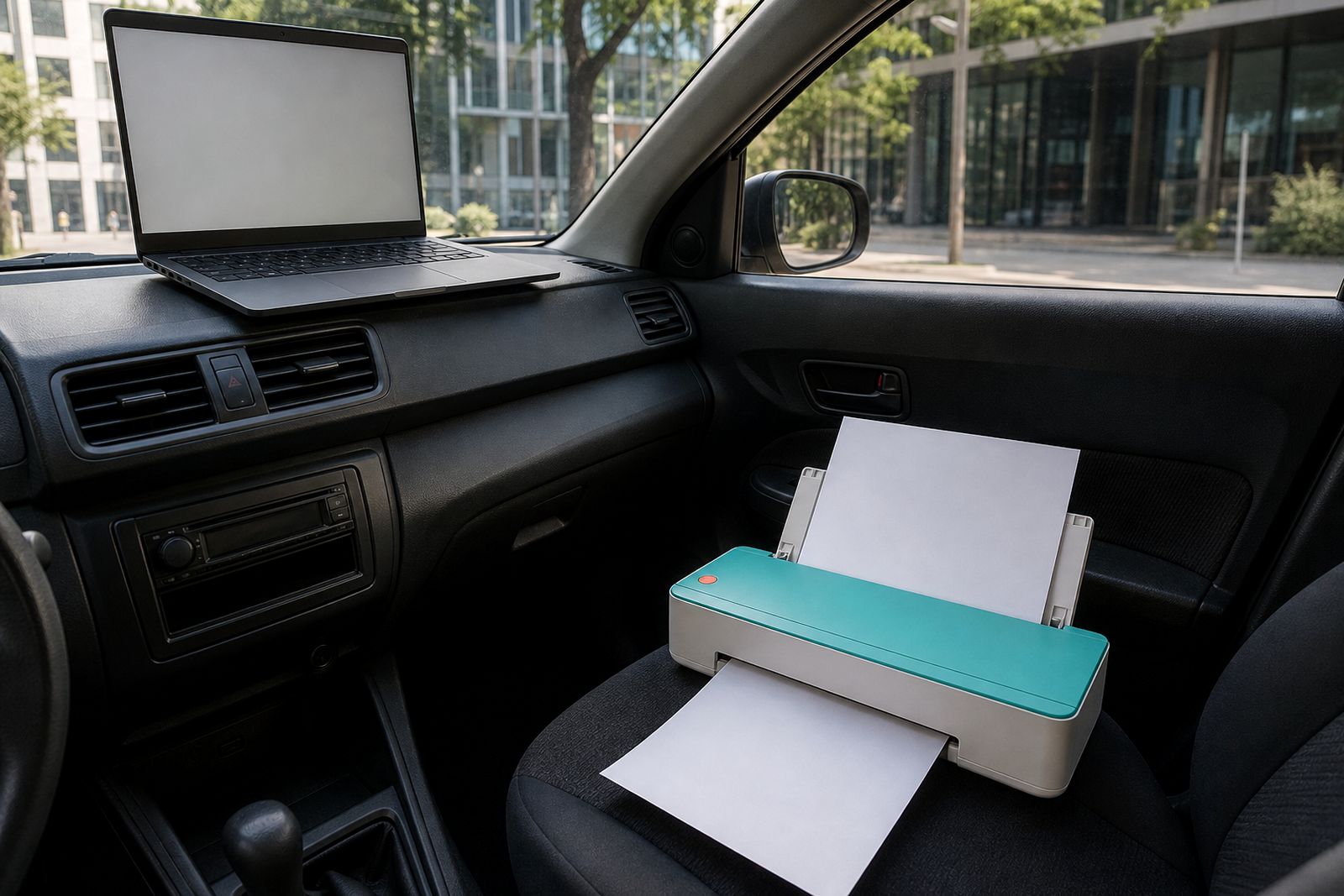
Battery A4 printers are simple to place, but they still need a stable surface and enough room for paper feed and page exit. A shaky car seat or cluttered passenger footwell is not ideal. The best result comes from a flat surface where the sheet can move straight without catching on a bag, folder or dashboard trim.
For first-time setup, we help customers choose the right connection method for their device mix. That may be laptop only, phone and tablet, or a combination. If you are travelling between sites all day, keeping the setup uncomplicated usually saves time and frustration.
- Flat support surface with room for the full A4 path
- Charged battery before leaving base
- Correct paper type packed in a sealed sleeve or packet
- Device ready for USB or wireless pairing
- Protection from direct sun, dust and rain during use
If you work from a vehicle often, tell us that upfront. We can guide you toward a unit that is easier to load and easier to pack away quickly. If you mostly print in client offices, a quieter, neater unit may be the better fit. Small details like this matter more than headline features sometimes.
Care, transport and power habits
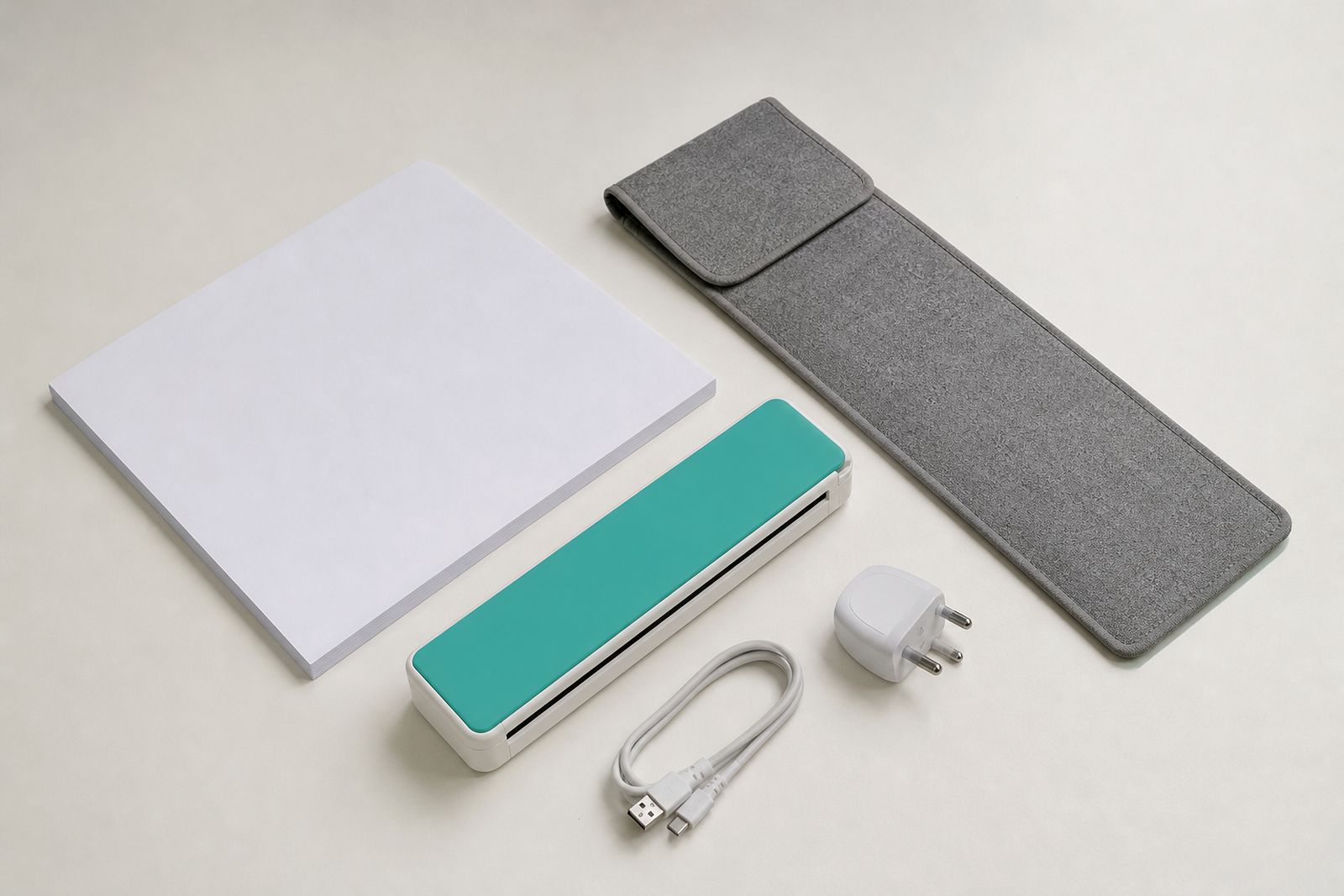
Portable printers last better when they are transported carefully and kept free of dust and bent paper. Always pack the unit in a sleeve or padded bag section, and avoid leaving it loose under other equipment. Heat in a parked vehicle can shorten battery life over time, so it is better to remove the printer when possible rather than storing it there all week.
Paper should stay dry and flat. Johannesburg dust, coastal humidity and rough travel can all affect feed quality. If pages have curled in the car or picked up moisture, the printer may skew or pause. A small sealed paper pack helps a lot. Charging little and often tends to work better than repeatedly draining the battery completely.
For occasional users, print a test page before an important appointment, not in the client driveway. That quick check can save a wasted trip. Also keep your charging lead with the printer, because mixed cables from other devices are a common cause of confusion.
What to tell us when you enquire
To recommend the right battery A4 printer, we need a clear picture of how and where you print. You do not need technical language. Just explain the job, the device you print from and whether you need battery use for short stops or for longer stretches away from power.
- What documents you print most often, such as quotes, forms, contracts or reports
- How many pages you normally print in one session
- Whether you print from a laptop, tablet, phone or mixed devices
- Whether you need USB only, wireless only or both
- How often you work without access to a wall plug
- Whether the printer will be used in a vehicle, on site, in shared offices or while studying
- If you also need paper packs, carry sleeves or a travel charger
Customers contact us through the enquiry form on our contact page. From our Rosebank base we assist with selection and connection setup advice, and we courier nationwide. We do not supply office laser printers or copiers, we do not offer print services, and we do not repair other brands.
What our A4 Portable Printers customers say
Verified Google reviews
Questions we get asked
Can I print in my car?
Yes, if the printer is placed on a firm flat surface with enough room for the A4 sheet to feed and exit properly. It is better for parked use than for trying to print while moving.
Is a battery A4 printer suitable for daily office use?
Not for high-volume office work. It is meant for mobile printing and lighter daily use, not for large shared teams or constant batch printing.
Will you help me choose between USB and wireless?
Yes. Tell us what devices you use and where you work most often, and we can guide you to the simpler option for your setup.
Also worth a look
Tell us about the job
Send sizes, materials and where you are through our contact form, and we will come back with the practical options.
Open the contact form