Freelancers and students
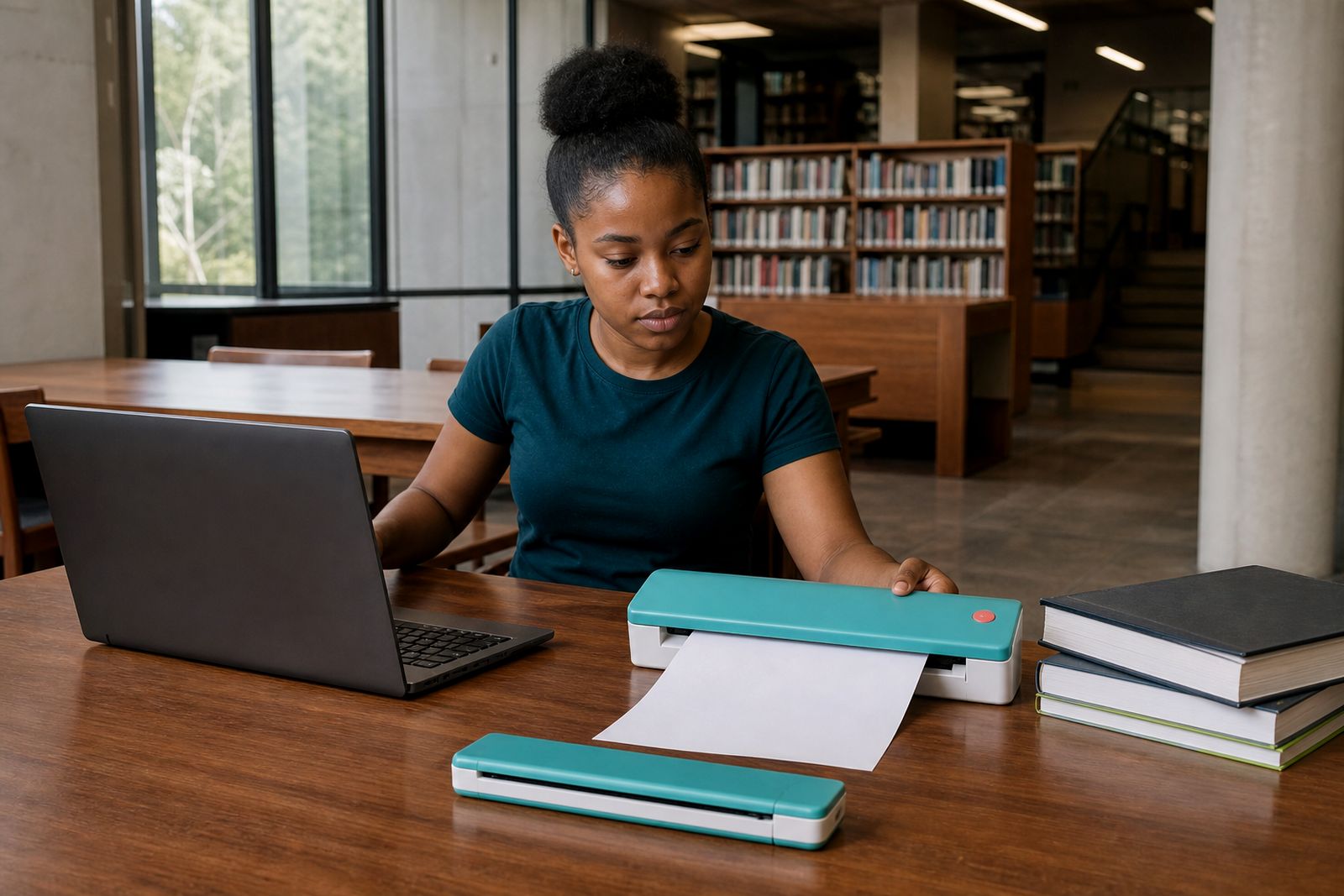
Not everyone works from a fixed office or study corner. For freelancers and students moving between lectures, client meetings, libraries and shared spaces, a compact A4 printer or scanner can solve small but urgent document problems fast.
Why mobile work changes what you need
A freelancer working from coffee shops in Rosebank does not need the same machine as a home admin room, and a student sharing a flat in Johannesburg usually has different limits on space, power and noise. When your work moves with you, the question is less about volume and more about timing. Can you print a contract before a site visit, scan signed pages after a meeting, or submit a clean A4 copy from campus without looking for a copy shop?
That is where compact travel printers and sheet-fed scanners make sense. They are built for low-footprint use, easy packing and quick setup on a table in a residence room, co-working booth or client reception area. Instead of setting up a full office machine, you carry only what you need and use it when the job calls for it.
- Freelancers often need invoices, contracts, briefs and proof documents printed in small batches.
- Students usually need assignment pages, forms, ID copies and scanned notes sent from shared accommodation or campus.
- Both groups benefit from lighter equipment, simple connections and the option to work during power cut windows.
Printer or scanner first
Many buyers start by asking for a printer, but in practice some mobile users need a scanner first. If most of your work involves capturing signed pages, collecting supporting documents or sending coursework as PDF files, a portable sheet-fed scanner may be the more useful first purchase. If your main pressure point is producing hard copies on demand, then a compact A4 printer is the better fit.
Think about the last ten times you were inconvenienced. Were you missing a printed page, or were you stuck because you could not digitise a document cleanly? That small review usually points to the right starting product. We help customers compare battery and mains models, wireless and USB connection methods, and the paper handling that suits travel use.
- Choose a printer first if you regularly hand over signed forms, invoices or teaching material.
- Choose a scanner first if you often submit PDF documents, capture receipts or archive notes.
- Choose both if you move between fieldwork and admin, especially in property, tutoring or project consulting.
What matters in South African day to day use
Portable equipment lives in backpacks, hatchbacks and shared rooms, so local conditions matter. In Gauteng, dust can build up when devices are left uncovered in a flat or carried on site visits. In coastal towns, humidity can affect paper if it is not packed properly. During power cuts, battery support becomes more than a convenience. If you know your area has frequent outages, a battery-capable A4 printer can save a late submission or an urgent client handover.
Connection choice also matters. Wireless setup is convenient, especially for students using a phone or tablet, but USB can be the steadier option where public WiFi is congested or restricted. For many mobile workers the best combination is a printer or scanner that supports both. Then you can work wirelessly in a quiet space and switch to cable when you need certainty.
Paper storage is often overlooked. Loose sheets in a laptop bag pick up bent corners and dust very quickly. A proper paper pack and carry sleeve keeps output cleaner, and it reduces feeding problems when you need a single good print not five retries.
A practical setup for shared flats, campus and travel
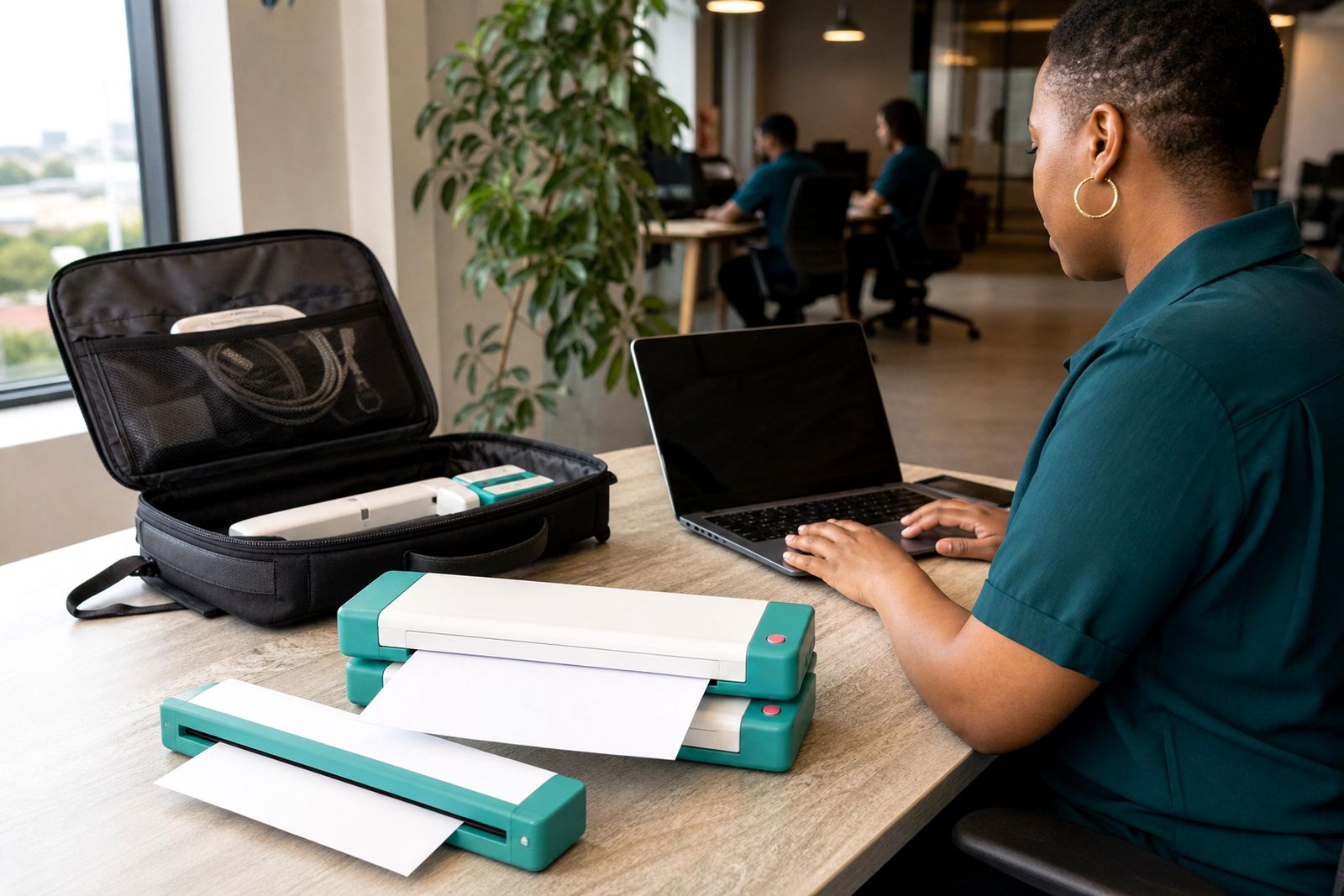
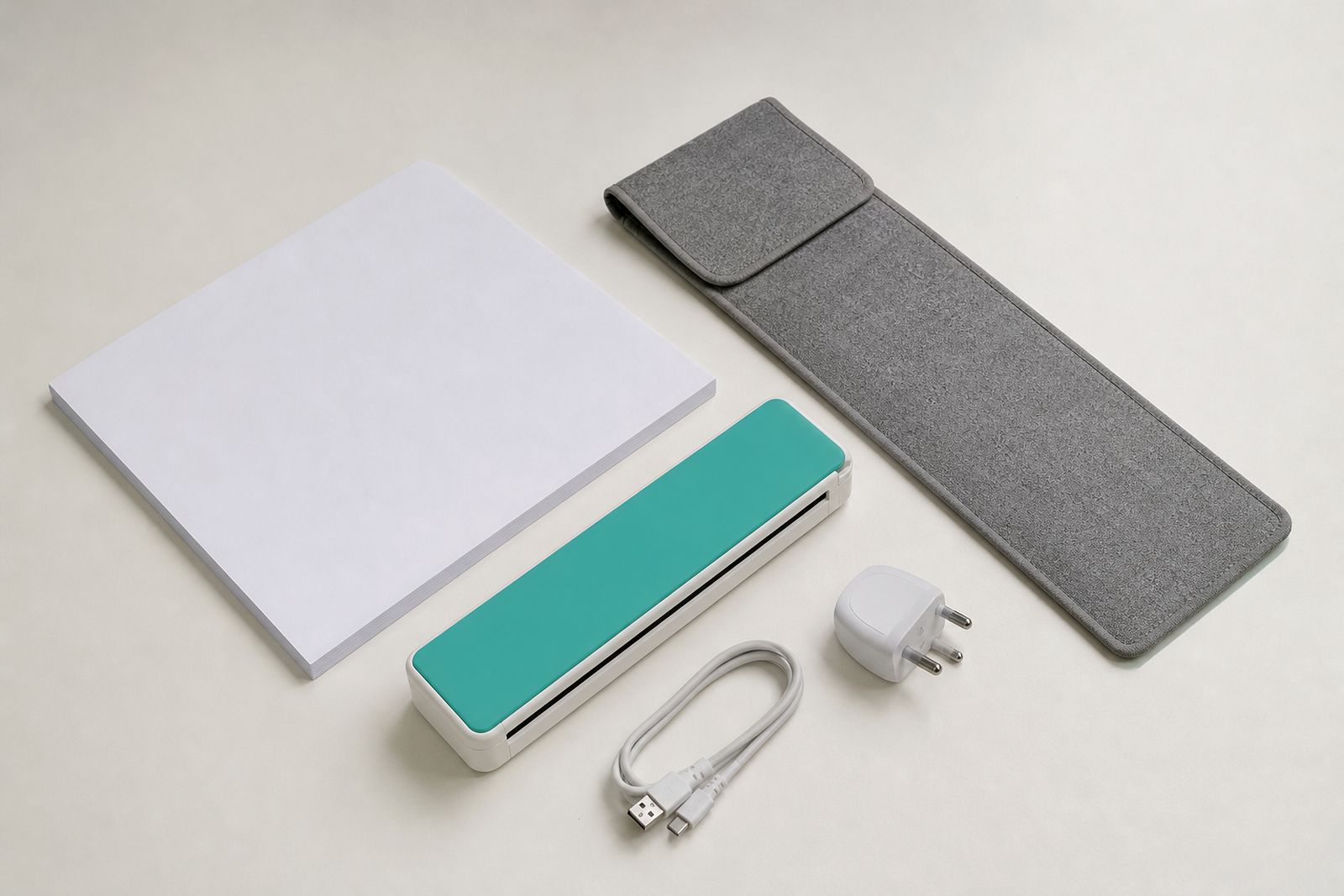
If you do not have a dedicated home office, your setup must pack away fast and come out ready to work. The simplest arrangement is a carry sleeve, a compact A4 printer or scanner, a short USB cable, a travel charger and one sealed paper pack. That covers most freelance and student needs without taking over a cupboard.
Keep your machine near the items you already carry daily, not in a separate storage box you forget about. We have seen many cases where the right machine was bought but rarely used because the charger stayed in one bag, the paper in another and the cable at home. A small routine fixes that problem.
- Store paper flat in its wrapper or sleeve, away from bathroom moisture and kitchen heat.
- Charge battery models before campus days, inspections or client rounds.
- Keep one cable dedicated to the printer or scanner so it does not disappear into general phone charging.
- Test one print or scan before leaving for an important meeting.
If you travel between provinces by car, pack the device where it will not slide under luggage. If you use taxis or buses often, lighter units make a real difference by the end of the week.
A workshop example from Rosebank
A recent walk-in enquiry at our Rosebank base came from a customer splitting time between freelance admin work and part-time study. The customer had no fixed office at home, only a shared dining table, and was tired of searching for print shops before submission deadlines. The main requirements were simple: A4 output, small footprint, easy phone connection and the ability to scan signed pages for upload.
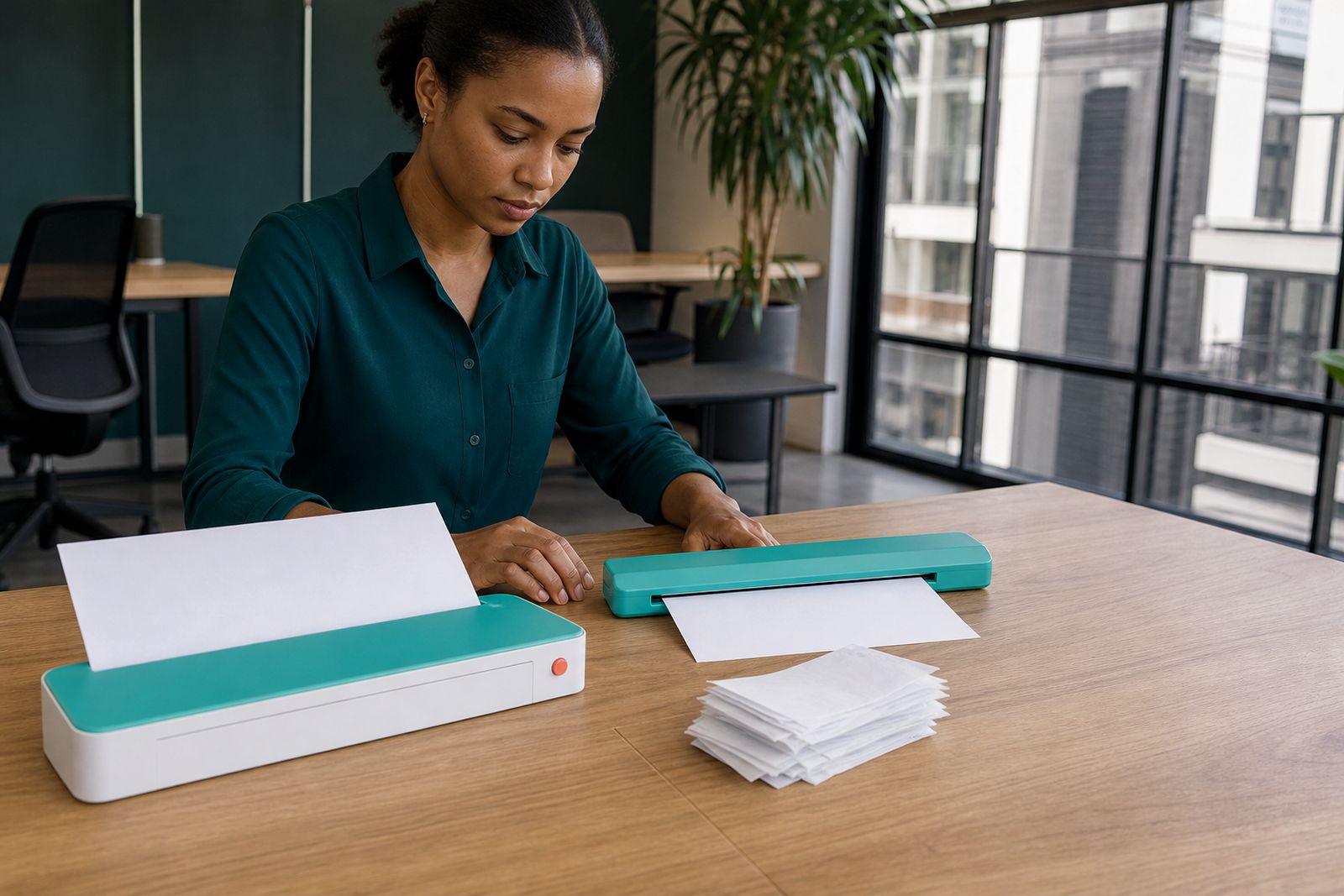
Our workshop lead set up two practical options on the bench, one battery model and one mains-first model with a smaller carry profile. The test was not fancy. A standard form was printed, folded, packed away, then the same sheet was scanned back through a portable sheet-fed scanner. The customer also tested USB connection because public wireless access on campus was unreliable. After that hands-on comparison, it was clear that battery support mattered more than maximum speed.
This is often how the best choice is made. Not by chasing the biggest specification list, but by checking where and how the machine will actually be used. In shared accommodation, on campus and in borrowed meeting rooms, convenience wins if print quality stays clean.
Common mistakes to avoid
The biggest mistake is buying for occasional peak demand instead of normal weekly use. A student may imagine printing large assignment bundles every day, or a freelancer may expect to issue stacks of documents on site. In reality, most mobile users print or scan smaller batches and need consistency more than capacity. Oversizing the machine just adds weight and storage hassle.
Another common problem is expecting a compact travel printer to replace every office device. These units are meant for mobile A4 work, not as a full office copier alternative. When buyers understand that from the start, they choose better and are happier with the result.
- Do not ignore battery needs if your area gets frequent outages.
- Do not choose wireless only if you often work in buildings with restricted networks.
- Do not carry loose paper in a backpack pocket, it causes jams and poor print results.
- Do not wait until the morning of submission to test setup and page feeding.
If you are unsure, it helps to list your real use case in plain terms: where you work, what documents you handle and what device you connect from most often. That usually narrows the choice quickly.
What our A4 Portable Printers customers say
Verified Google reviews
Questions we get asked
Can a portable A4 printer work well for a student in shared accommodation?
Yes. A compact A4 travel printer suits shared spaces because it stores easily, sets up quickly and avoids the need for a permanent office corner. Battery models are especially useful where plug access is limited or power cuts interrupt study time.
Is wireless better than USB for freelancers on the move?
It depends on where you work. Wireless is convenient for phones and tablets, while USB is often more reliable in busy buildings, on campus or where guest networks are restricted. Many mobile workers prefer a unit that can do both.
Should I buy a printer or scanner first?
Start with the device that solves your most frequent delay. If you mostly need signed documents captured and sent, choose a portable scanner first. If you regularly hand over hard copies such as forms, invoices or notes, choose a compact A4 printer first.
Also worth a look
Tell us about the job
Send sizes, materials and where you are through our contact form, and we will come back with the practical options.
Open the contact form