Estate agents and inspectors
Estate agents and inspectors often need paperwork completed before they leave the property. A compact A4 travel printer or sheet-fed scanner helps keep deals, reports and handover forms moving while you are still on site.
Why on-site paperwork still matters
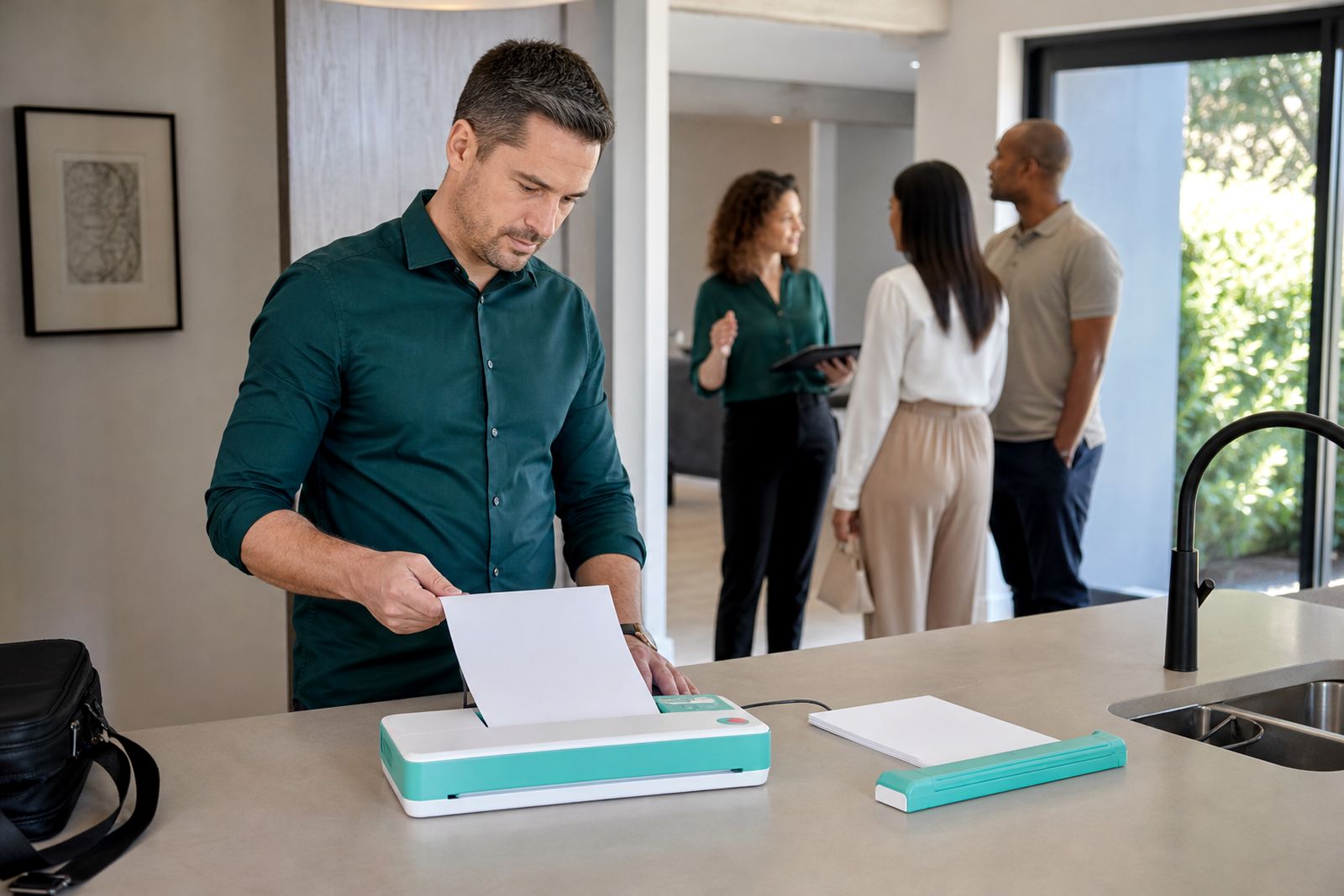
Property work in South Africa still depends on paper more often than many people expect. An offer to purchase, inspection checklist, entry report, mandate update or handover note may need a signature there and then, especially when the client is rushing to another appointment or the property has weak signal indoors. If you can print a clean A4 page in the car, on a kitchen counter, or at a security office, you reduce delays and cut down on missing pages later.
For inspectors, the benefit is just as practical. A portable setup lets you issue forms for comments, capture signed acceptance pages, and scan marked documents before they get creased or lost. In complexes with strict access control, or on rural smallholdings where the nearest print shop is not close, having your own compact machine can save the day a bit more often than people think.
- Print revised forms after a clause changes during a viewing
- Scan signed pages before leaving the site
- Keep tenant, owner and contractor copies organised
- Work in areas where power cuts or weak signal interrupt office access
Choosing the right portable setup for property visits
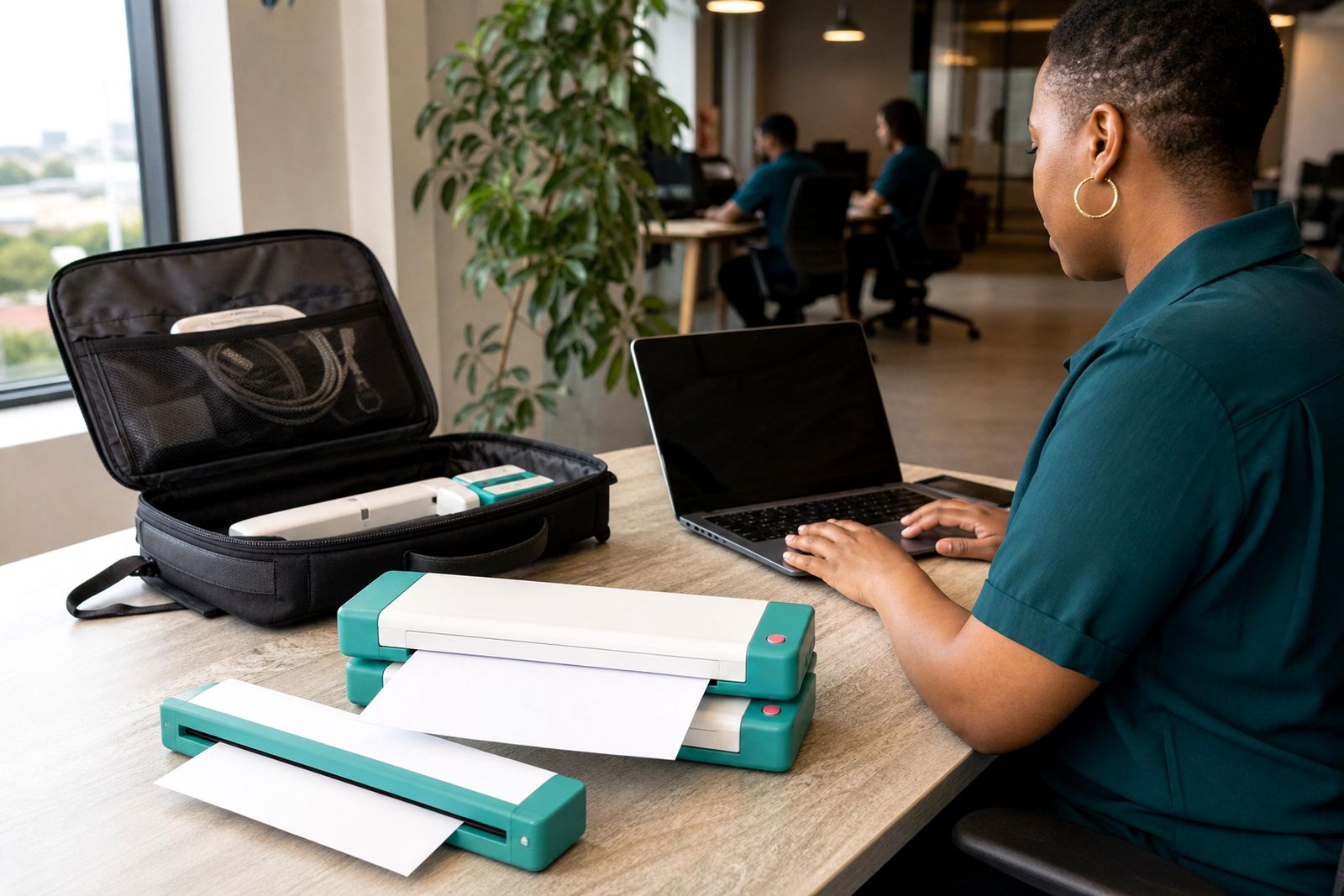
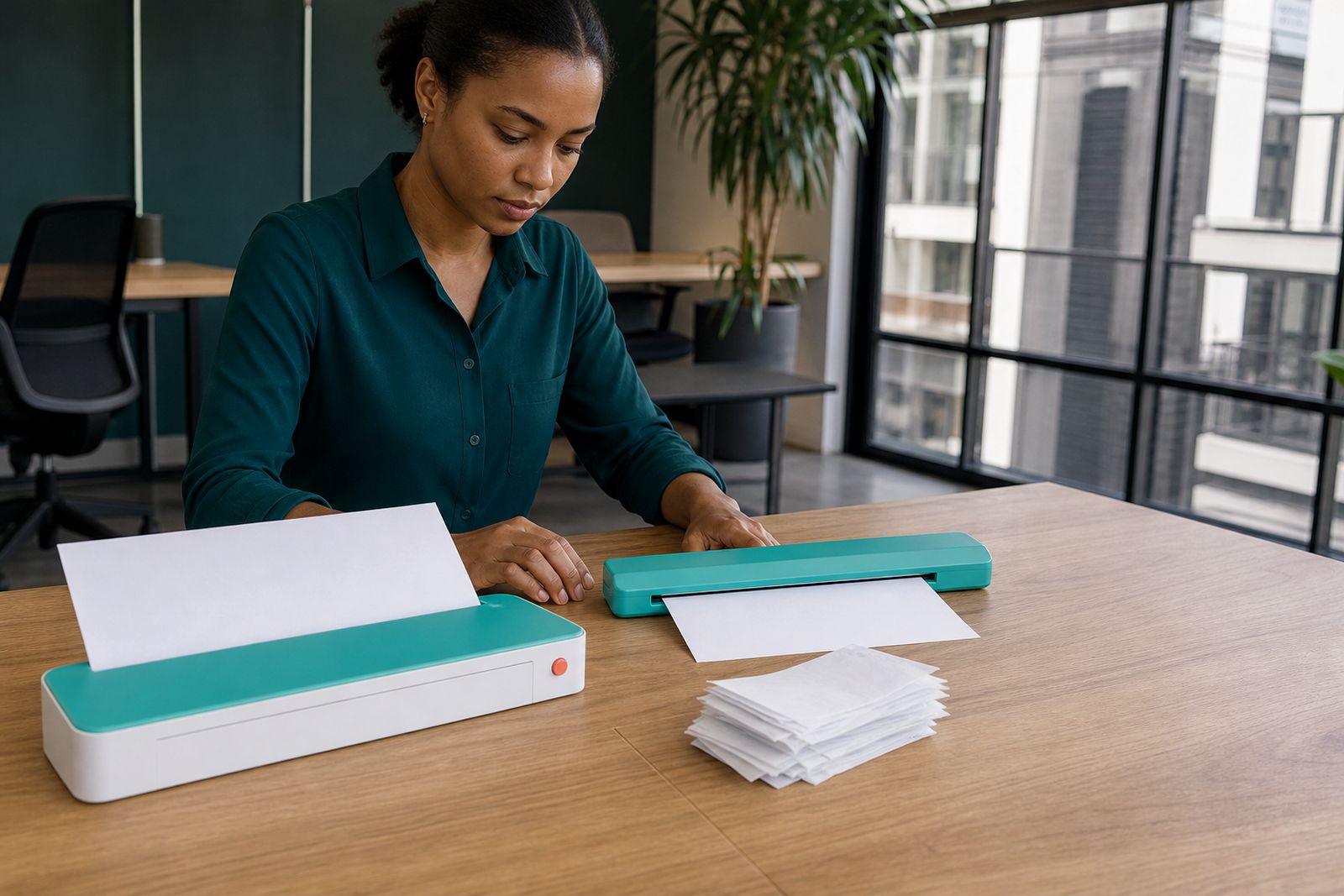
The best setup depends on whether you mostly print, mostly scan, or need both. Estate agents often prioritise a portable A4 printer with battery support so they can produce updated pages from a phone, tablet or notebook without searching for a plug point. Inspectors often lean toward a sheet-fed scanner because signed forms, ID copies and annexures need to be captured clearly and filed fast.
In our Rosebank base we usually guide customers by asking how many pages they carry, whether they work from a vehicle, and how often they visit sectional title buildings where space is tight. A lighter unit suits back-to-back viewings. A battery model suits site work where power is not reliable. A USB option can be simpler if you do not want to troubleshoot wireless pairing in a hurry.
- Battery printer for property viewings and sign-ups away from mains power
- Wireless printer for quick printing from a phone or tablet
- USB-connected printer where a direct cable is more dependable
- Sheet-fed scanner for neat capture of signed A4 pages and supporting documents
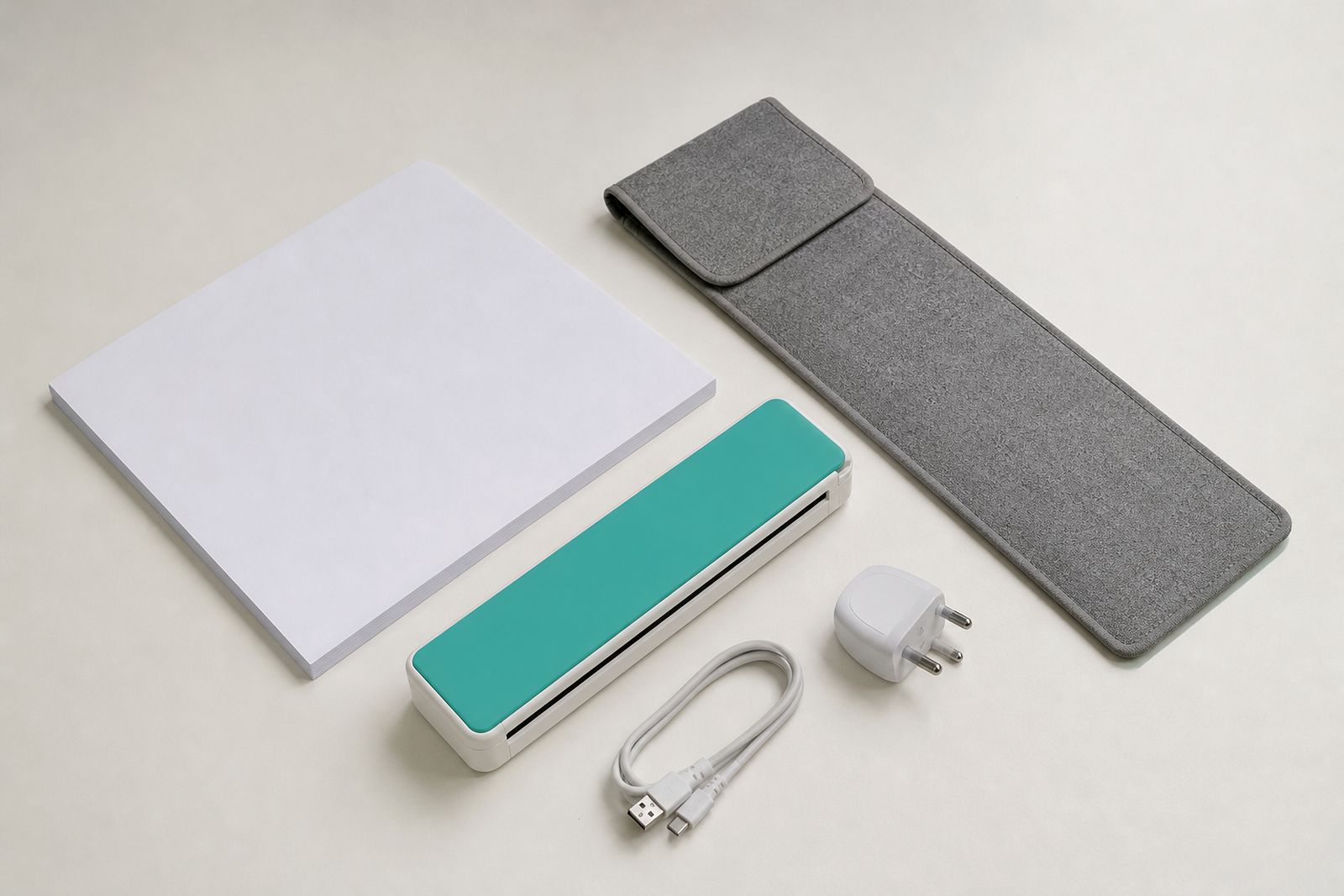
- Carry sleeve and travel charger for daily transport between appointments
What works well in a South African field routine
Most property professionals do not need a bulky machine. They need something that fits beside a file bag, survives regular car travel, and starts quickly when they park outside a unit or farmhouse. A4 size matters because contracts, condition reports and municipal forms are still commonly set up for standard pages. If the machine takes folded paper awkwardly or struggles on a car seat, it becomes a frustration very quickly.
Battery charging matters too. During power cuts, a printer with an internal battery or travel charging option is easier to manage than a mains-only unit. In coastal areas, carry sleeves help protect paper and devices from humidity, especially if forms sit in the boot between appointments. Inland dust is another issue, so it helps to keep paper sealed and only load what you need for the day.
Wireless can be convenient, but there are times when a cable is simply faster. If you are standing in a passage with a buyer waiting, or at a farm gate with patchy signal, a direct USB connection can save a lot of fiddling. The best setup is the one you can use without thinking too hard when the pressure is on.
A practical workshop example from Johannesburg
A recent workshop example from Johannesburg was typical of what we see. A property team needed a smaller travel setup for move-in inspections, rental sign-offs and sale documents across Rosebank, Randburg and Midrand. They were carrying thick files and relying on the nearest print outlet when a page needed amending, which wasted time and created mistakes when old and new versions got mixed up.
We compared a battery A4 printer against a mains-focused model and paired the selected printer with a sheet-fed portable scanner. The service technician showed the operator how to switch between wireless and USB, how to keep spare paper packs flat in the vehicle, and how to scan signed pages immediately after each appointment. We also recommended a carry sleeve because the machine was moving in and out of the car all day.
After setup, their routine became much simpler. Print the latest page set before entering the property, amend one or two pages if needed, collect signatures, then scan the signed sheets before driving off. No searching for a copy shop, no waiting to get back to the office to check whether every page had been signed, and less risk of smudged or folded paperwork. It sounds small, but it removes a lot of admin pressure.
Paper, power and packing tips that prevent delays
A portable printer only helps if the rest of your kit is ready. Most delays happen because paper is bent, the battery was not topped up, or a connection method was never tested before the appointment. We always suggest a simple packing routine that can be checked in under five minutes before leaving for the first call.
- Carry a clean paper pack in a protective sleeve, not loose in the boot
- Charge the printer and scanner the night before, even if battery level looks fine
- Keep one short USB cable in the bag as a backup to wireless pairing
- Store signed pages in a separate folder from blank forms
- Test one print and one scan at home or at the office before a full day out
- For coastal work, avoid leaving paper in a hot humid vehicle for too long
If you inspect buildings with basement parking or thick concrete walls, do not assume wireless will behave perfectly everywhere. Test both phone and notebook connections. If your work includes snags, roofing checks or outbuilding inspections, keep the device packed until you are on a stable surface. A lot of field trouble is caused by trying to print while balancing files on a bonnet, which never ends well.
When a portable device is the right choice, and when it is not
Portable A4 machines are for mobility first. They are ideal for low-volume document work on the road, not for printing large bundles every day. If your role involves stacks of pages from one fixed location, a compact travel unit may feel slow compared with a standard office machine. But for estate agents and inspectors who need a few clean pages exactly where the work is happening, the convenience is worth it.
They are also useful when the goal is proof and speed rather than volume. Print the pages that changed, capture the pages that were signed, and move on to the next site. That is where these devices earn their place in the vehicle. If you are not sure which direction to take, we help customers compare printer and scanner types and set up the connection method that suits their route, equipment and daily paperwork. Enquiries come through our contact page, and we supply from Rosebank to customers around South Africa.
What our A4 Portable Printers customers say
Verified Google reviews
Questions we get asked
Can I print an updated contract page from my phone at a property?
Yes, many portable A4 printers are suited to that kind of job. The best option depends on whether you want wireless convenience, direct USB connection, battery use on site, or a mix of all three.
Is a sheet-fed scanner better than taking photos of signed forms?
For most formal paperwork, yes. A sheet-fed scanner gives more consistent page capture, cleaner edges and easier filing for A4 documents than phone photos taken in poor light or at an angle.
Do you help with setup for travelling professionals?
Yes. We help customers choose between portable printer and scanner types and assist with connection setup so the equipment suits how they actually work on the road.
Also worth a look
Tell us about the job
Send sizes, materials and where you are through our contact form, and we will come back with the practical options.
Open the contact form