Sheet-fed portable scanners
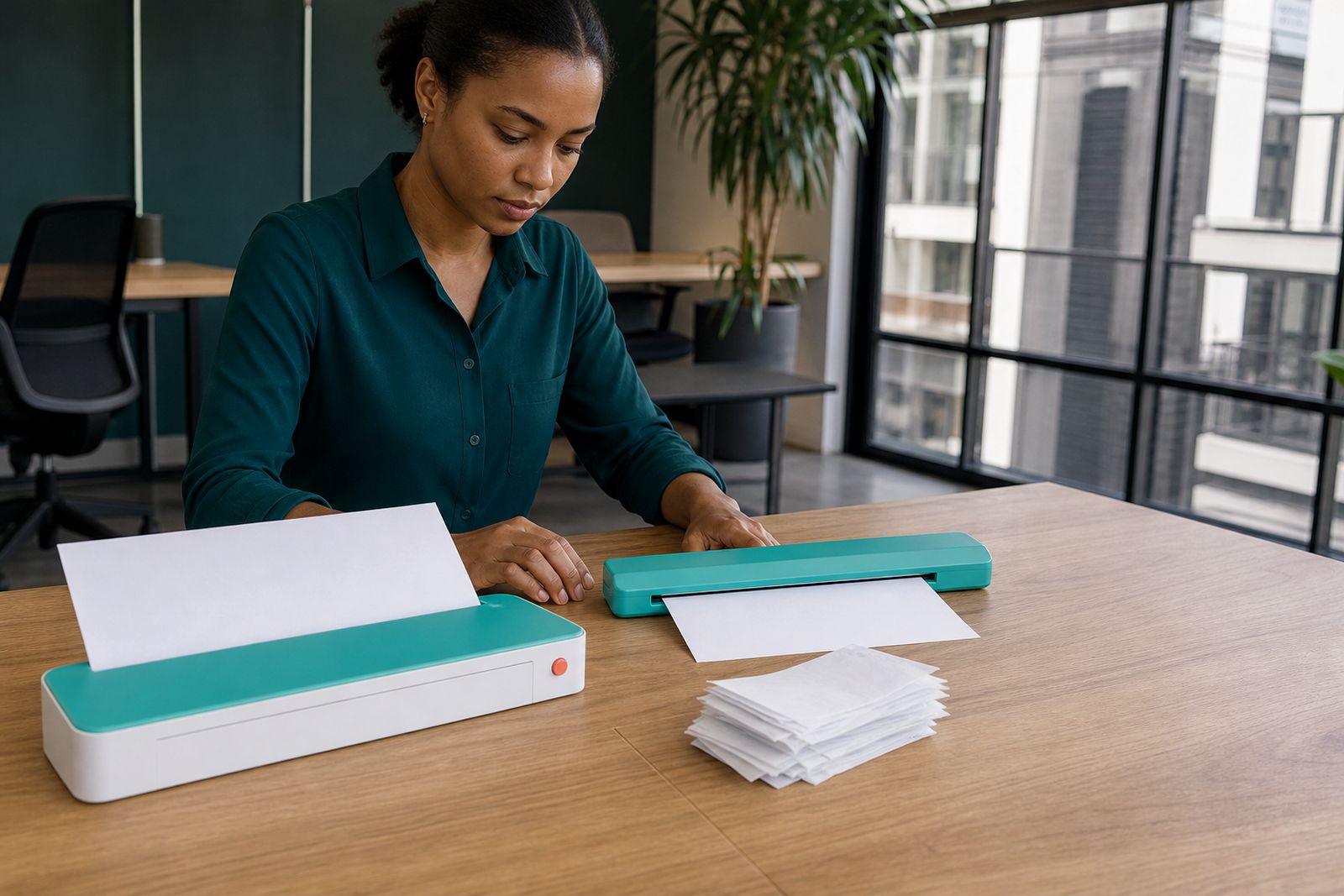
Sheet-fed portable scanners are built for people who need clean A4 scans while travelling between meetings, sites and home offices. They feed each page through the unit in seconds, keeping your bag light and your paperwork organised.
What a sheet-fed portable scanner is
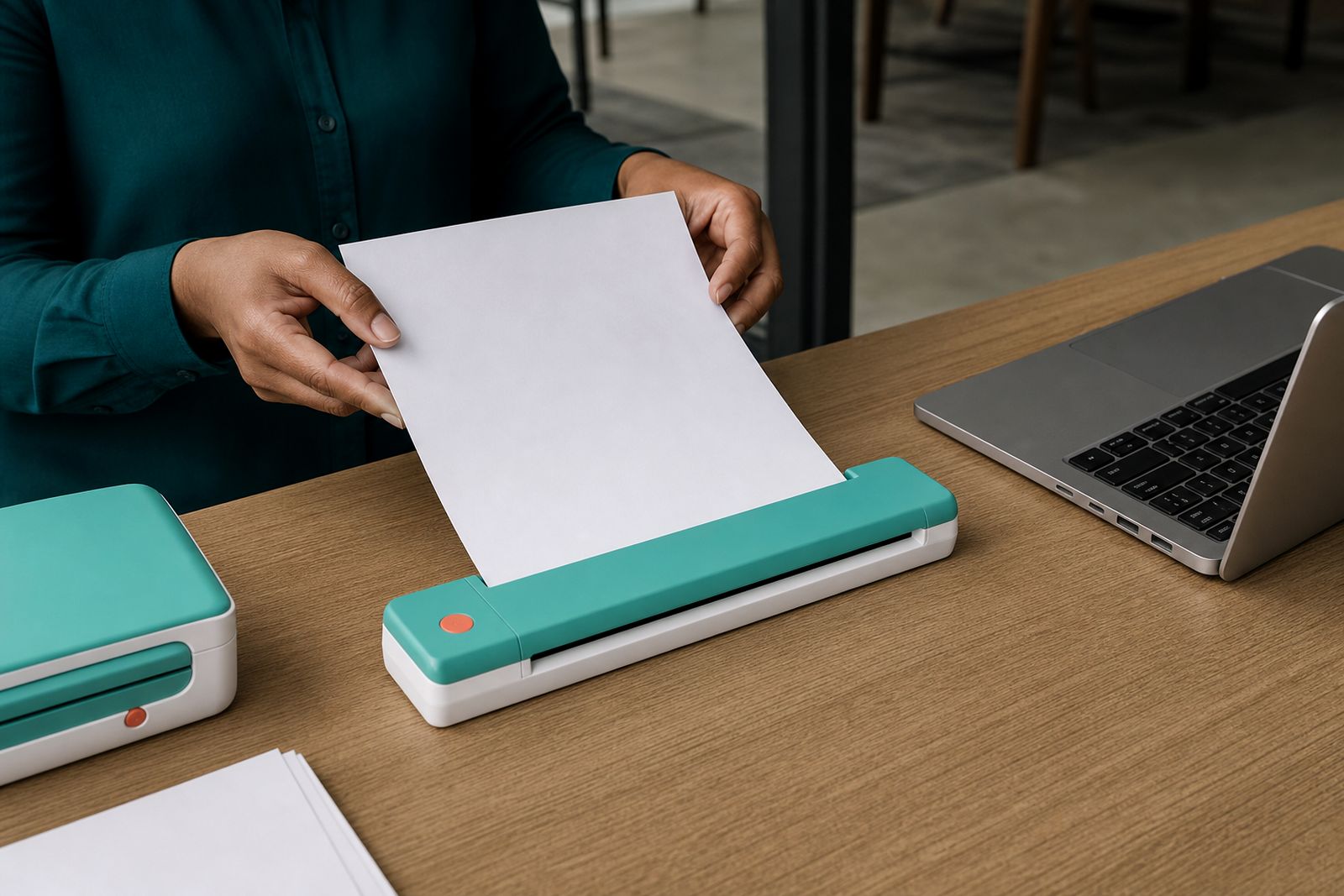
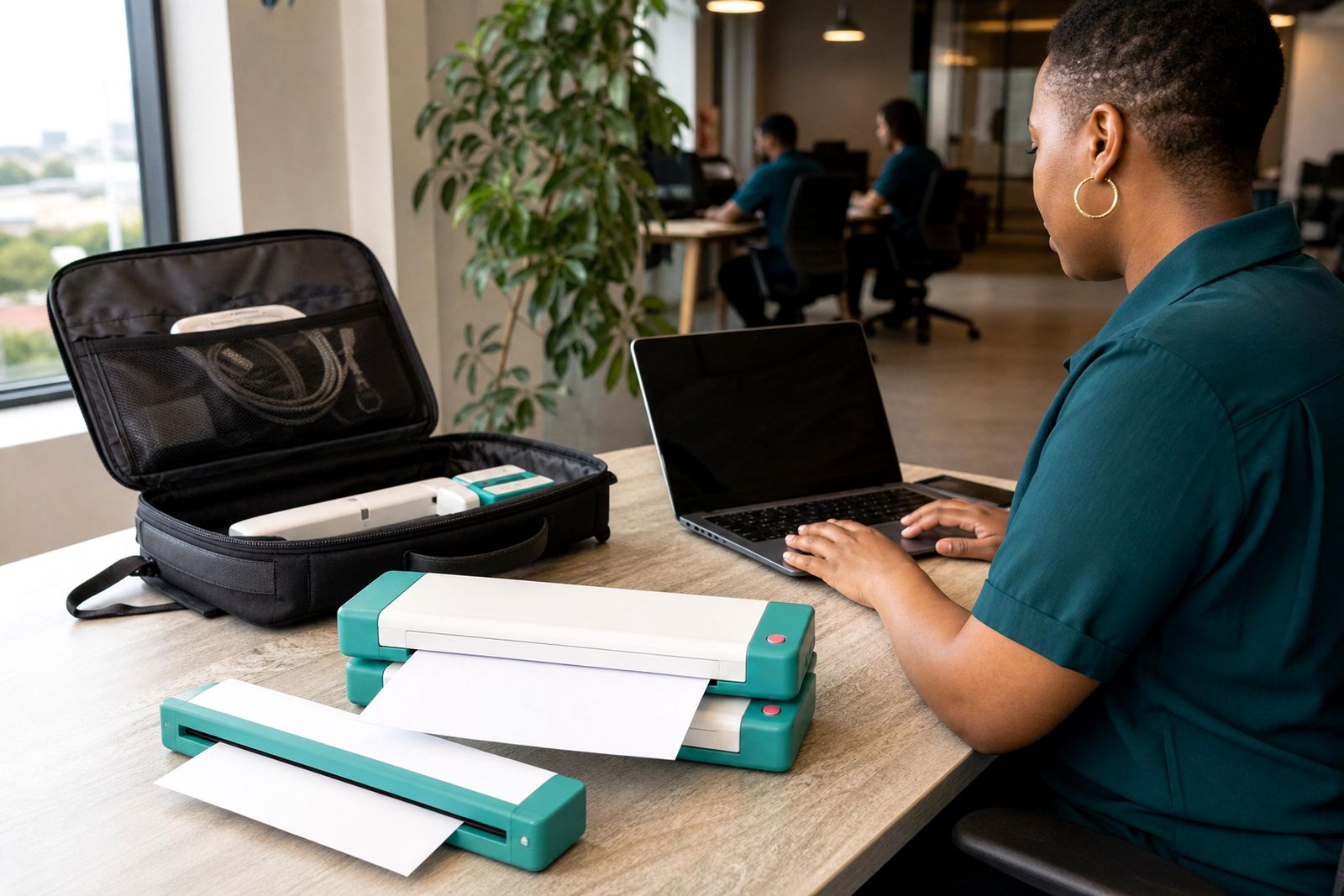
A sheet-fed portable scanner pulls a document through a narrow feed path and captures the page as it moves. It is a good fit for mobile workers who handle signed forms, ID copies, contracts, checklists, rental inspections, expense slips and class notes while on the road. Because the unit is compact, it packs easily into a laptop bag or carry sleeve and can be used from a client site, a vehicle stop, a shared workspace or a hotel room.
At PortablePrinter Office in Rosebank, we supply compact A4 travel scanners suited to South African mobile work. We help customers compare battery and USB-powered models, wireless and cable connection options, and simple scan workflows for phones or laptops. If you need something light and quick rather than a full office machine, this type is usually the right starting point.
- Designed for single sheets up to A4 size
- Useful for contracts, reports, forms, invoices and receipts
- Easy to carry for estate agents, inspectors, consultants and students
- Cleaner and more even than taking document photos in poor light
Sizes, options and working limits
Most portable sheet-fed models in this range are made for A4 pages, with support for smaller items such as slips, receipts and ID-size documents where the feed width allows it. Some units scan one side at a time, while others capture both sides in a single pass. Power can come from USB, a built-in battery, or both. Wireless models suit phone and tablet users, while USB-only units are often the simplest choice for a laptop kit.
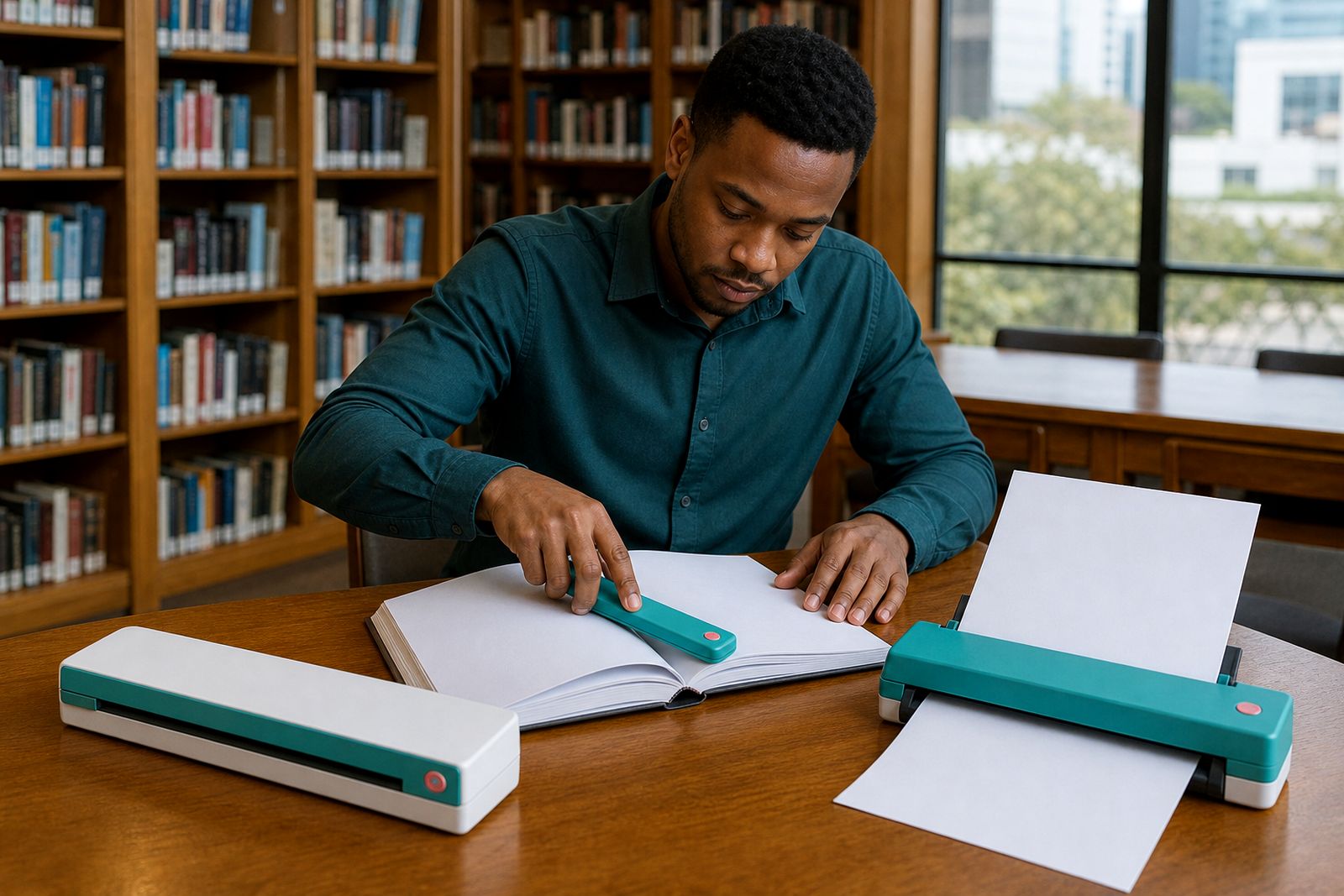
These scanners work best with flat, dry paper in reasonable condition. They are not the best option for bound documents, stapled sets, laminated cards that exceed the feed limit, thick cardboard, curled plans or fragile old paperwork. If your pages are torn, very glossy or heavily creased, feeding can become uneven and image quality may suffer a bit.
- Common document size: A4, with smaller paper accepted where supported
- Single-sided and duplex scanning options available
- Battery models suit vehicle work and short site visits
- USB models suit regular laptop use in a stable workspace
- Not intended for books, magazines or large-format drawings
Where sheet-fed scanners suit best
This scanner type suits people who need to turn paper into files quickly, then send or store those files before the next appointment. Estate agents can scan signed mandates and FICA paperwork from a property visit. Inspectors can scan checklists and supporting notes before leaving site. Freelancers can digitise invoices and receipts during travel, and students can capture handouts without carrying a stack of paper around all week.
They are especially handy in South Africa where power and workspace are not always predictable. A battery model can help during power cuts or in a meeting room with limited plugs. In coastal areas, scanning and then packing the unit away in a sleeve helps keep moisture and dust off the feed rollers. If your work involves one page after another rather than thick bundles, a sheet-fed unit is usually quicker and neater than using a camera app.
Where it does not suit is high-volume back-office archiving, oversized municipal drawings, or copying mixed office packs all day long. For those jobs, a larger fixed scanner is generally more practical.
Setup, connection and site needs
Portable sheet-fed scanners are straightforward to use, but the right connection type matters. A USB model needs a compatible laptop or device and a stable place to rest while feeding pages. A wireless model suits lighter setups where you want to scan straight to a phone or tablet, but it still helps to have enough battery charge before leaving for the day. We help customers choose the easiest option for the devices they already travel with.
For best results, use the scanner on a firm surface so pages feed straight. Keep enough room in front and behind the unit for the paper path, and avoid windy outdoor spots where dust can get into the rollers. If you are working from a car between appointments, it is usually better to scan from the passenger seat or a flat boot surface rather than balancing the unit on your lap.
- Allow a clear paper path at the front and back of the scanner
- Charge battery models before long site days
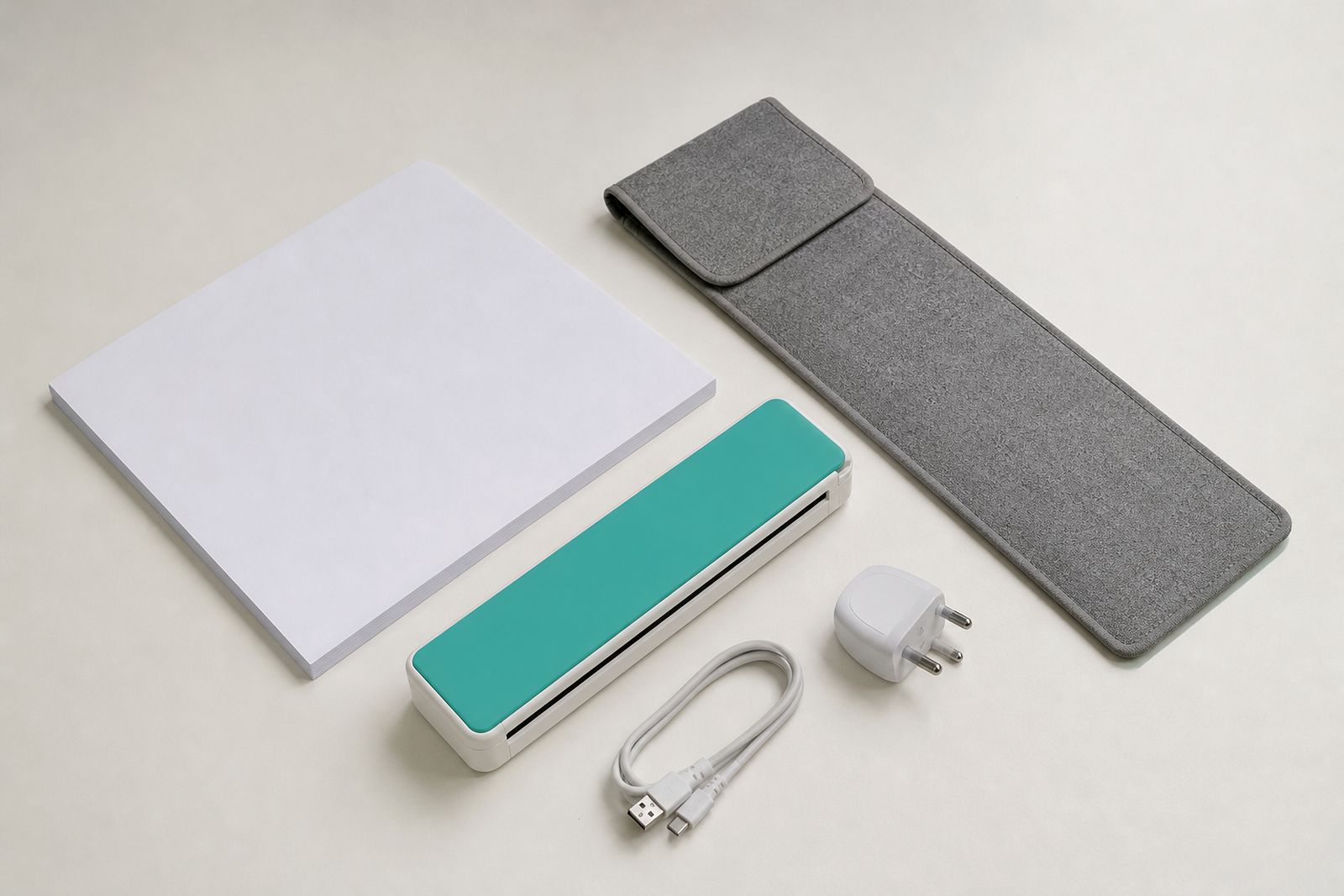
- Keep a USB cable or travel charger packed in the carry sleeve
- Use dry, flat paper for smoother feeding
- Tell us which phone, tablet or laptop you want to connect
Care, cleaning and everyday use
Portable scanners stay reliable when they are kept clean and packed properly. Dust, sand, pocket lint and receipt coating can build up on rollers and sensors over time, especially if you travel often between buildings, vehicles and outdoor areas. Feeding dirty or damp paper can also leave marks on the scan path. A simple wipe-down routine and careful packing go a long way.
Store the scanner in a carry sleeve when not in use, keep liquids away from the feed slot, and do not force pages that are too thick for the unit. Remove staples and paper clips first. If pages start skewing or the image shows lines, the feed path likely needs attention. We can guide you on the basic care steps for the type you choose.
- Keep the feed path free of dust and loose paper fibres
- Never feed stapled, clipped or wet documents
- Pack the scanner flat so the housing is not twisted in a bag
- Use clean paper packs if you are scanning forms while travelling
What to tell us when you enquire
When you contact PortablePrinter Office through the enquiry form, a few practical details help us point you to the right scanner quickly. Let us know what you scan most often, how many pages you handle in a typical day, and whether you need to work from battery power. It also helps to know if you travel mainly around Johannesburg or fly and drive nationwide, because packing size and charger options can matter more than people think.
Please tell us the devices you want to use, the file type you prefer and whether you need one-sided or double-sided scanning. If you already carry a portable printer, mention that too so we can suggest a setup that fits in one travel kit. We do not supply office laser printers or copiers, and we do not offer print services or repairs for other makes, so clear use-case details save time for you and for us.
- Your usual document sizes, such as A4 forms or small receipts
- Estimated daily page volume
- Battery, USB or wireless preference
- Phone, tablet or laptop connection needs
- Whether you need a carry sleeve, paper supplies or a travel charger
What our A4 Portable Printers customers say
Verified Google reviews
Questions we get asked
Can a sheet-fed portable scanner handle receipts and small documents?
Yes, many can scan smaller items as long as the paper width and condition fall within the feed limits. Very curled, glossy or damaged slips may need extra care.
Is a battery model worth it for travel in South Africa?
If you often work in vehicles, on property sites or during power cuts, a battery model is usually the more practical choice. For regular laptop-based use in one place, USB power may be enough.
Do I need a lot of space to use one?
No. You just need a firm flat surface and enough room for the page to enter and exit in a straight line. A cramped or uneven spot can affect feeding.
Also worth a look
Tell us about the job
Send sizes, materials and where you are through our contact form, and we will come back with the practical options.
Open the contact form